Which firmware do I have?
On the settings page
The header’s right side reads Firmware: followed by the version, for example v2.09. Tapping it opens the What's new? list for that version. The footer’s Config line carries the full build identity, for example v2.09_ST7789_S, and opens System Info, which adds the build’s date and time as Built.
 9:41192.168.1.107
On the glass
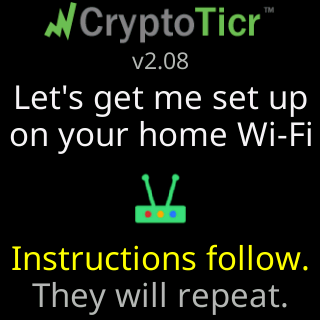
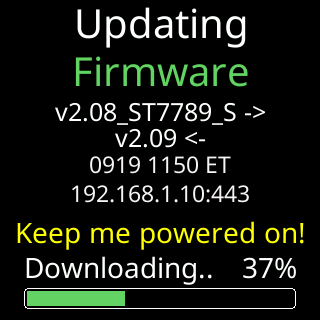
The start screen shows the version under the logo at every power-up, and the setup cards carry it on a ticker that is not yet on Wi-Fi. During an update the Updating / Firmware screen shows the pair, the version you have and the one arriving.

Reading the string
v2.09 is the version; the rest of the string names the build. A page that shows only v2.09 has shortened the same string.