Setting: chart time ranges
Factory default: 24-hour and 90-day charts
 9:41192.168.1.107
The control
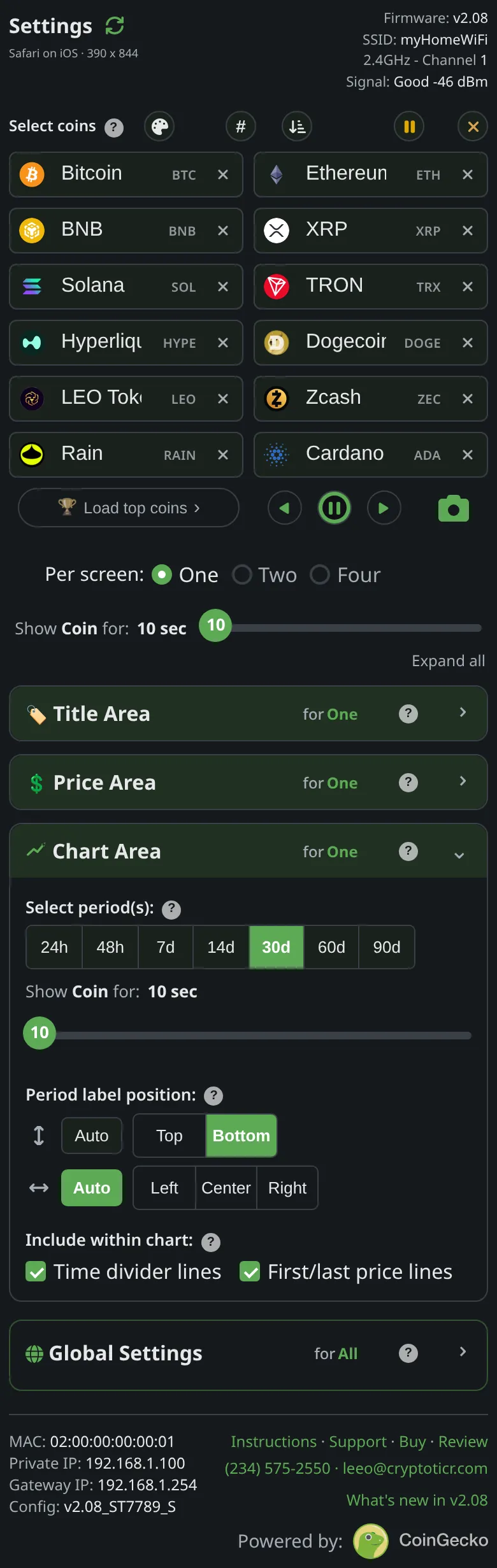
Chart Area → Select period(s): — seven buttons.
What it does
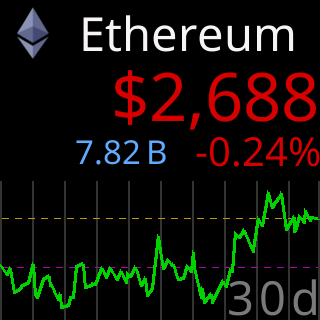
Any combination of the seven ranges. The coin plays a chart for each selected range, shortest first, splitting its screen time across them. With none selected the chart area shows percentage changes over 7d, 30d and 90d.

The choices
24h,48h,7d,14d,30d,60d,90d, any number of them, or none.
On the glass
Applies to the next coin in One per screen; Two and Four per screen have no chart.
The stored key
chart_period in the ticker’s settings, and in the file that Export writes. The shipped value is generated from the one source of defaults and shown on this page by the site, never typed here.