The welcome cards on your phone

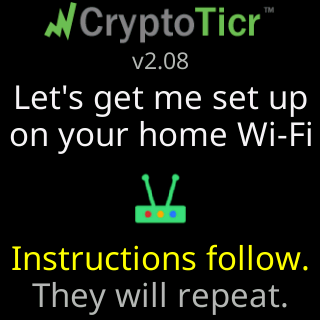
Where the cards come from
The setup page opens with a full-screen stack of four cards. They exist because most owners join the CT network within seconds of power-up and never watch the ticker’s own cards; the phone is the only place the two warnings can land. The cards are shown once per visit to the setup page. Next and Back move through them, a swipe does too, and the last button is Got it, let's set up!. Help on the setup page has a ▶ Replay the welcome cards button if you want them again.
Card 1 - Welcome
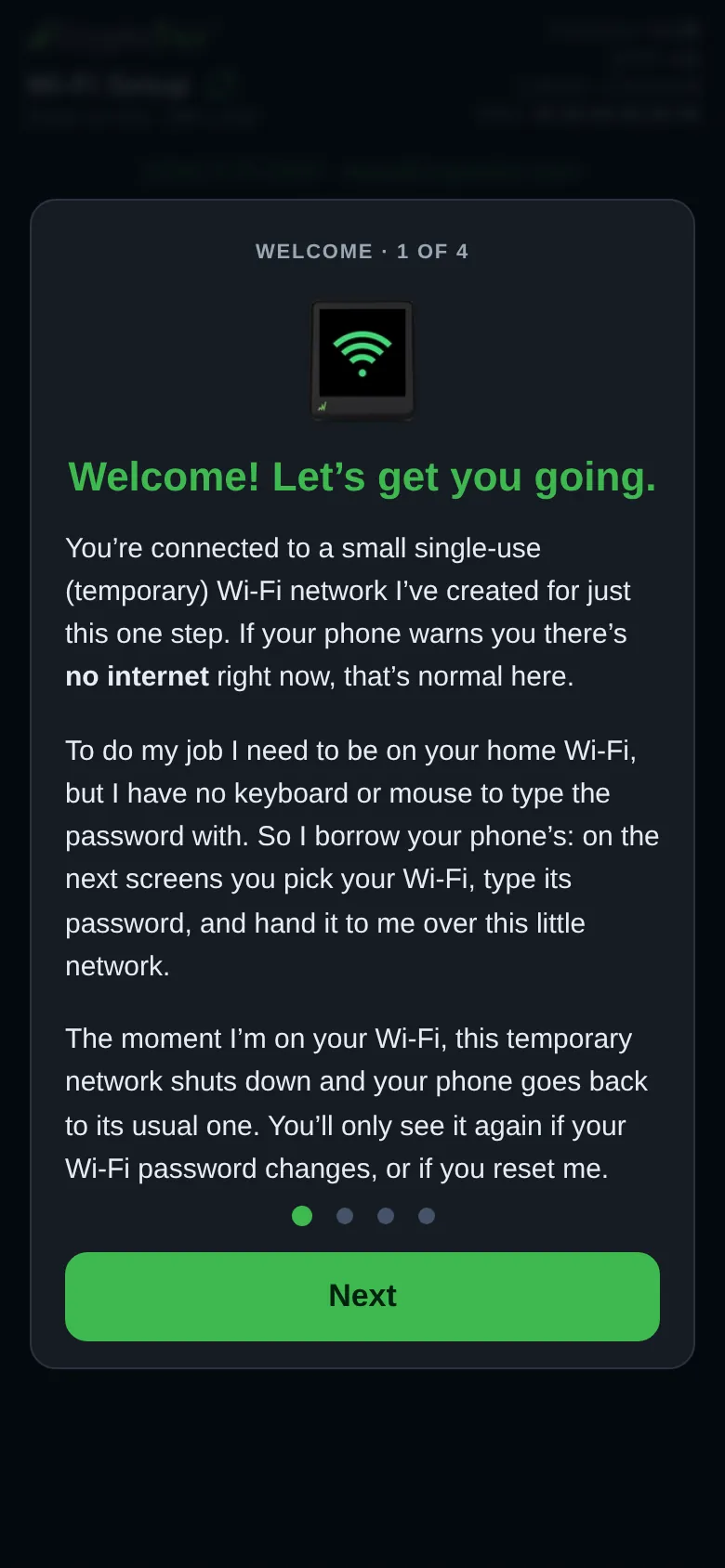
Label Welcome · 1 of 4, a picture of the ticker, and the title Welcome! Let’s get you going. The text:
You’re connected to a small single-use (temporary) Wi-Fi network I’ve created for just this one step. If your phone warns you there’s no internet right now, that’s normal here.To do my job I need to be on your home Wi-Fi, but I have no keyboard or mouse to type the password with. So I borrow your phone’s: on the next screens you pick your Wi-Fi, type its password, and hand it to me over this little network.The moment I’m on your Wi-Fi, this temporary network shuts down and your phone goes back to its usual one. You’ll only see it again if your Wi-Fi password changes, or if you reset me.
 9:41192.168.4.1
Card 2 - Public Wi-Fi
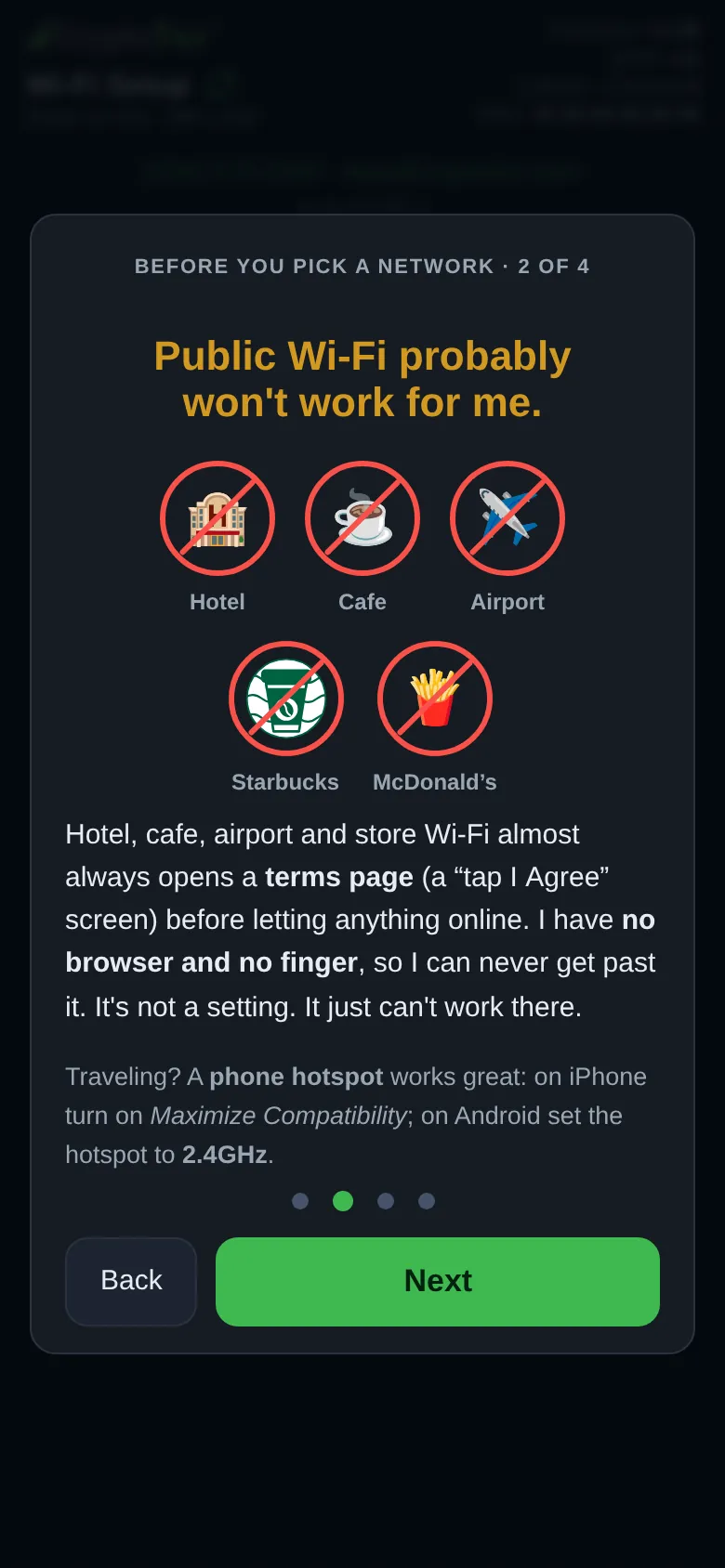
Label Before you pick a network · 2 of 4, the title Public Wi-Fi probably won't work for me., a row of venue icons, Hotel, Cafe, Airport, Starbucks, McDonald’s, and:
Hotel, cafe, airport and store Wi-Fi almost always opens a terms page (a "tap I Agree" screen) before letting anything online. I have no browser and no finger, so I can never get past it. It's not a setting. It just can't work there.Traveling? A phone hotspot works great: on iPhone turn on Maximize Compatibility; on Android set the hotspot to 2.4GHz.
 9:41192.168.4.1
Card 3 - Guest Wi-Fi
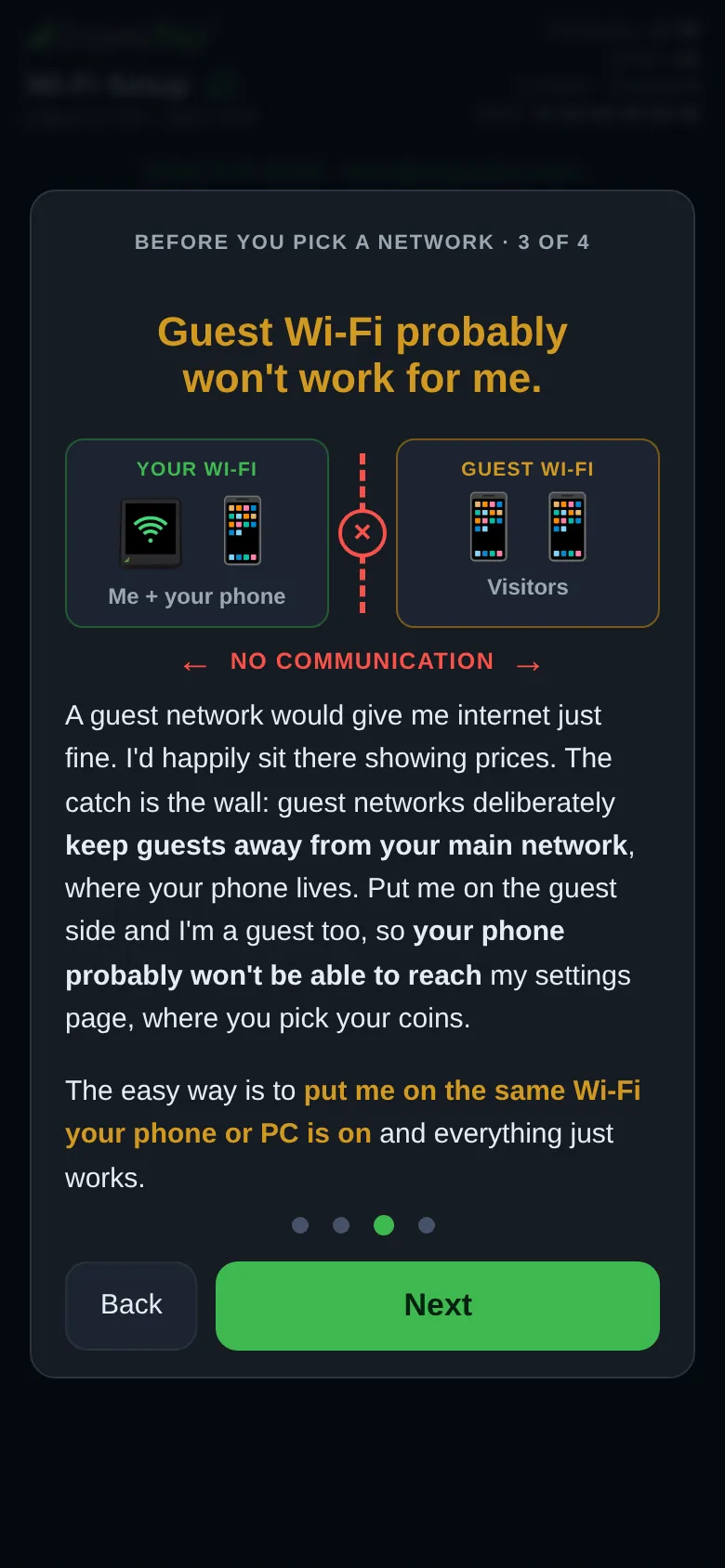
Label Before you pick a network · 3 of 4, the title Guest Wi-Fi probably won't work for me., and a picture: Your Wi-Fi holding the ticker and your phone (Me + your phone) on the left, a wall with an ✕, and Guest Wi-Fi holding Visitors on the right, with No communication between them. Then:
A guest network would give me internet just fine. I'd happily sit there showing prices. The catch is the wall: guest networks deliberately keep guests away from your main network, where your phone lives. Put me on the guest side and I'm a guest too, so your phone probably won't be able to reach my settings page, where you pick your coins.The easy way is to put me on the same Wi-Fi your phone or PC is on and everything just works.
 9:41192.168.4.1
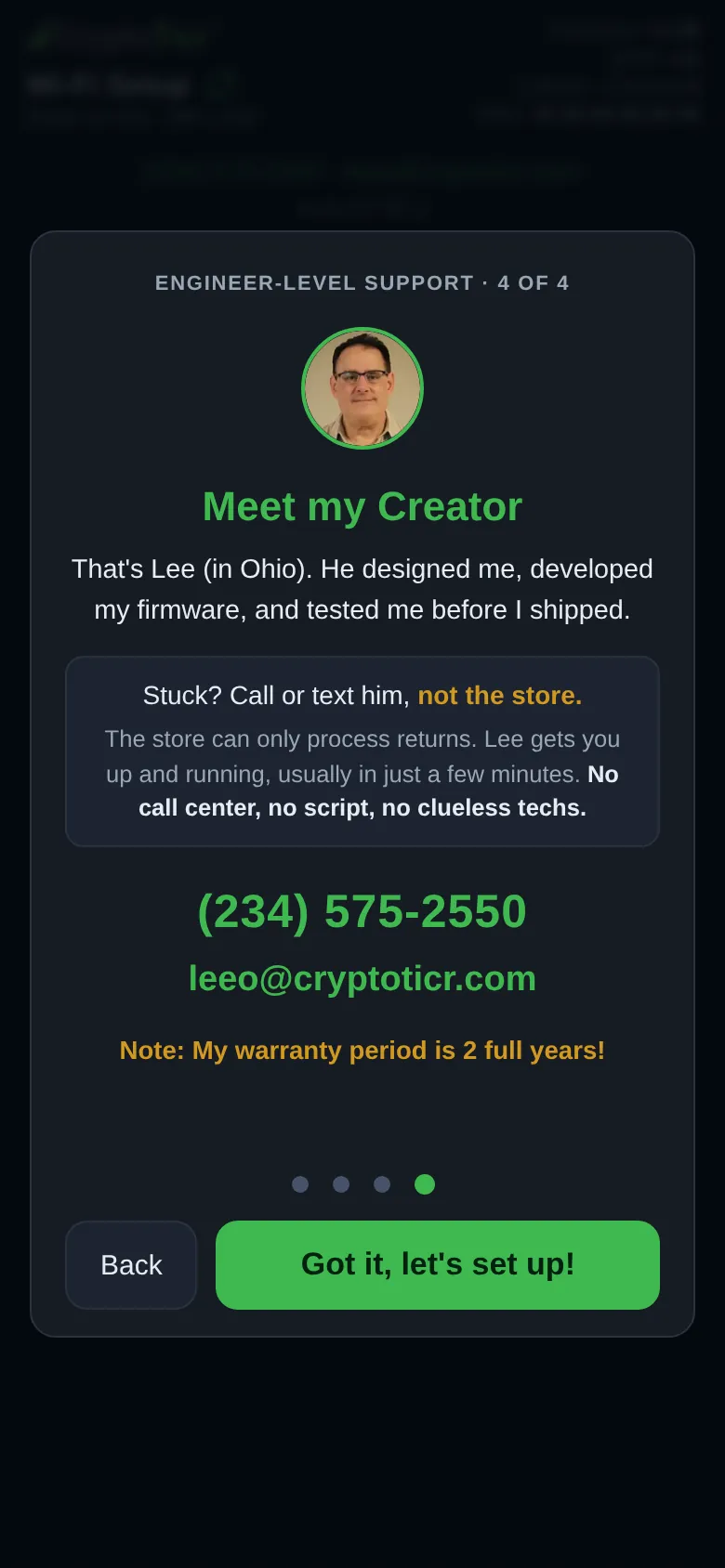
Card 4 - Meet my Creator
Label Engineer-level support · 4 of 4, a photo of Lee, the title Meet my Creator, and:
That's Lee (in Ohio). He designed me, developed my firmware, and tested me before I shipped.- In a box:
Stuck? Call or text him, not the store./The store can only process returns. Lee gets you up and running, usually in just a few minutes. No call center, no script, no clueless techs. - The phone number (a tap starts a text message) and the email address.
Note: My warranty period is 2 full years!
 9:41192.168.4.1
The first card after a refusal
If the ticker opened its setup page because your router turned it away, most often after the Wi-Fi password was changed, card 1 is different. Its label is What happened · 1 of 4 and its title I couldn’t get back on your Wi-Fi. It names the network and how many times it was refused, says the saved password may have stopped working (or may no longer be right), and tells you to Choose that network on the next screen and enter the password again. Two smaller lines add that a restart makes the ticker try the saved password again, and give Lee’s number. See The ticker opened its setup network by itself.