Set the brightness, and dim it at night Brightness and quiet hours
Set your ticker's brightness from your phone, then turn on quiet hours so it dims at night and comes back in the morning by itself.
Step by step in the manual: Nighttime quiet hours
Chapters
Read it insteadHide the text
Brightness and quiet hours are on your ticker's settings page.
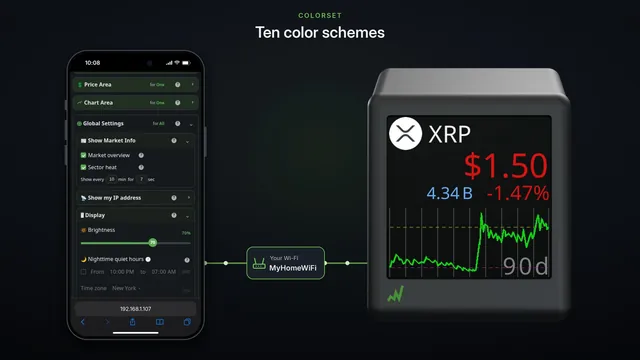
Open Global Settings, then Display.
Slide the Brightness slider to where you want it. The screen changes at once, and there's nothing to save.
Ten is the lowest. It's dim, but never off.
Full brightness is there for a sunny window.
Somewhere in the middle suits most rooms and keeps it cooler.
To dim it at night, tick Nighttime quiet hours. Nothing changes yet.
It dims from ten at night to seven in the morning. Tap either time to change it.
The slider under it sets how dim it gets: twenty percent to start.
Set it above your daytime level, and the page warns you, because nights would be brighter.
Keep it lower.
Your ticker takes the time from the internet, and the time zone from your phone, daylight saving included.
If the zone is wrong, pick yours under Time zone.
At ten at night, it steps down to the night level by itself.
At seven, it's back to your daytime brightness.
It needs the internet to know the time. So if it's been offline for a day, it stays at daytime brightness until it's back online.
Set it once, and your ticker dims at night and brightens in the morning, by itself, every day.