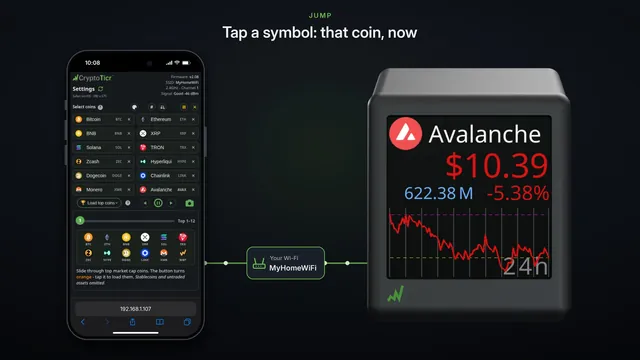
Your settings page: open it and find your way
Open your ticker's settings page with http:// and its address, bookmark it, and learn the folded sections, the For One and For All labels, and the one Save.
Step by step in the manual: A tour of the settings page
Chapters
Read it insteadHide the text
Your ticker has a settings page, at its own address on your home Wi-Fi. It shows that address when it starts, and a few times after.
Open your browser, and type h t t p colon slash slash, then that address, into the address bar.
Your ticker sees you arrive, and goes back to its coins.
It's http, not https, because this address is your ticker, on your home Wi-Fi, not a website. Your settings go straight from your phone to your ticker, never over the internet.
Bookmark it, so it's one tap away next time. On an iPhone it's under Share, or the page menu.
Your coin list is at the top. It's the only thing here that waits for you to tap Save and Apply.
Below it, every section starts folded. Tap a heading to open it.
Each heading says which layout it's for. Switch to Two coins per screen, and they say, for Two.
Each layout keeps its own choices here. Switch back to One.
On Global Settings, it says, for All: one choice for every layout.
Changes reach your ticker as you tap them. Tap Symbol, and the name becomes the symbol.
Tap Name, and it's back.
Every section has a question mark that explains it. That's your settings page.