I can't reach the ticker after changing its Wi-Fi
- Page: `I've stopped answering here, which usually means I've moved to “X”.`
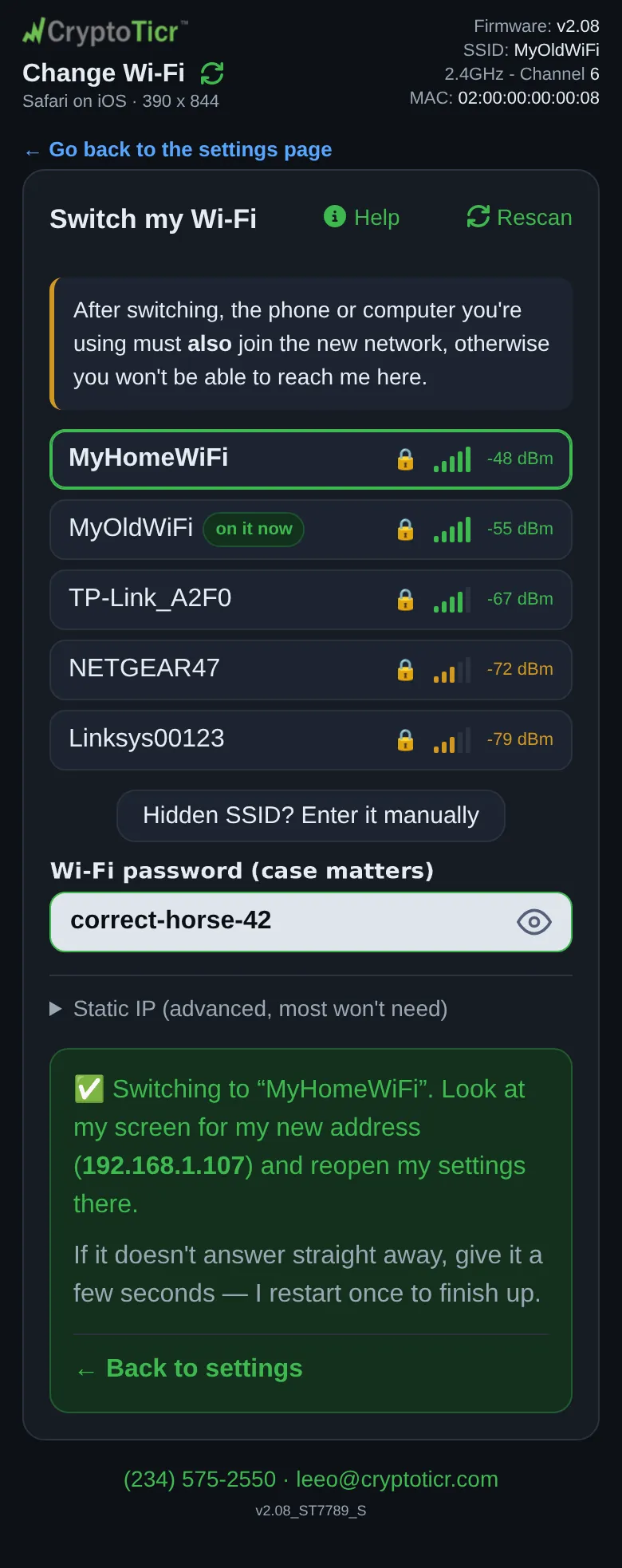
- Page: `✅ Switching to “X”. Look at my screen for my new address` and then the address does not load
- Glass: `Connected!` and `My new address:` with an address, then `Restarted to reconnect` / `to your Wi-Fi`
Symptoms
 9:41192.168.1.107
After Connect on the Change Wi-Fi page, the page said ✅ Switching to “X”. Look at my screen for my new address (…) and reopen my settings there. — or I've stopped answering here, which usually means I've moved to “X”. — and now the settings page does not load, at the old address or the new one.

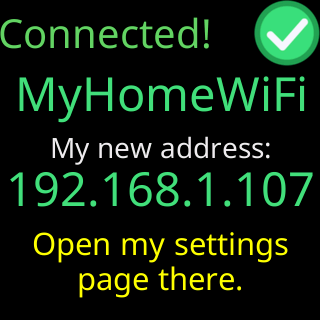
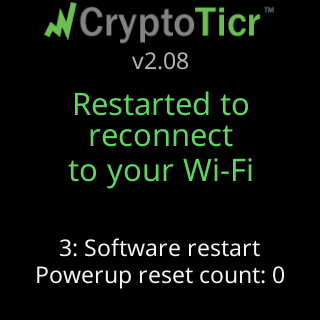
That is the pair of screens to watch for: the page’s own confirmation, then the ticker’s screen once it restarts on the new network.
Cause
The change worked. The ticker is on the new network, and two things follow from that: your phone is still on the old network, from which the ticker can no longer be reached (the page warned: After switching, the phone or computer you're using must also join the new network, otherwise you won't be able to reach me here.); and the ticker has a new address on the new network. It also restarts once about 20 seconds after the success card, during which nothing answers.
Fix
- Read the new address off the ticker’s screen: it showed
Connected!andMy new address:with the address, and after the restart it shows the address again on its start screen and address page (Open a browser./Enter into its/ADDRESS BAR:). - Move your phone or computer to the new network.
- Wait half a minute for the ticker’s restart to finish, then open a browser and type the new address with
http://in front. - If the page said
Look at my screen: it either shows my new address, or it says what went wrong., check the screen forCouldn't switch— in which case the change failed and the ticker is still on the old network at the old address: Change Wi-Fi did not work.
If that didn’t work
- The address does not answer even from the new network: The settings page won't open
- You missed the address and the screen has moved on: I lost the ticker's address