Import failed
- Import failed: not a settings file
- Import failed:
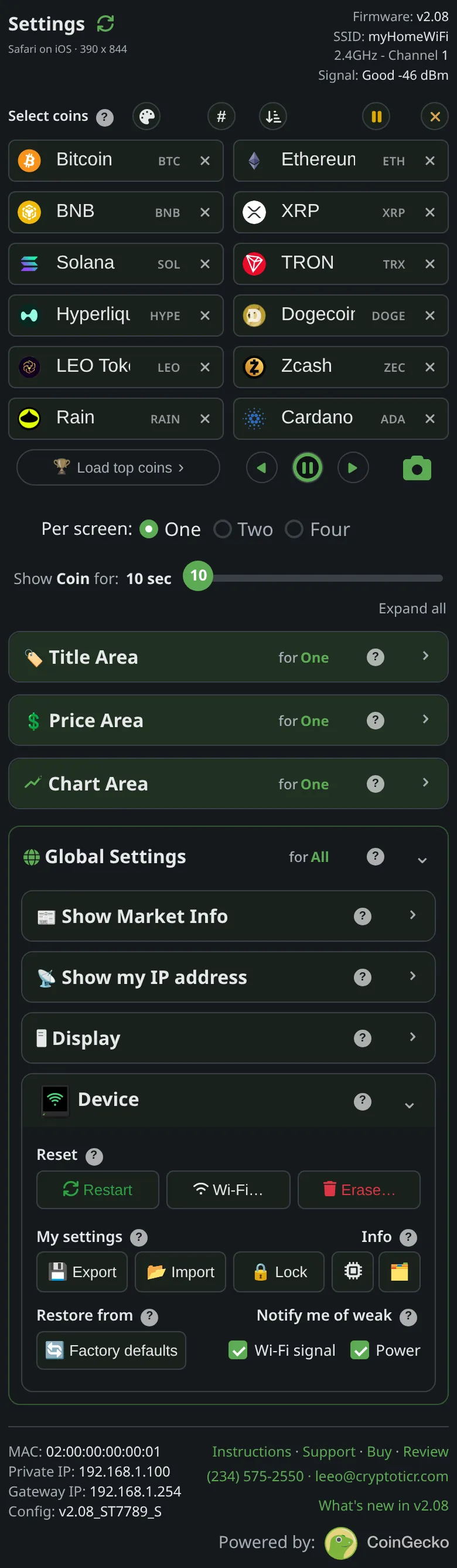 9:41192.168.1.107
Symptoms
- After choosing a file for
Import, a redImport failed:message with a reason such asnot a settings file.
Cause
not a settings file means the file’s contents are not what Export writes: the wrong file was picked, the file was edited, or it was saved by something other than the settings page. Any other reason after the colon comes from sending the settings to the ticker: the ticker was busy, unreachable, or locked in this browser.
Fix
- Pick the file
Exportproduced: it is named after the ticker and the date and ends in.json. - If the reason was not about the file, look at the ticker (
Updatingmeans wait), or reload the page and try again. - If the page is locked, unlock it first; a locked browser cannot apply an import. See Settings are locked.
If that didn’t work
- Export a fresh file from the working ticker and compare: a file that will not import from a different firmware version can be re-created by setting the coins by hand on the new ticker and exporting from it.