A market info card never shows
- I turned on Market overview and nothing appears
- The Sector heat card never comes up
- Only coins ever show
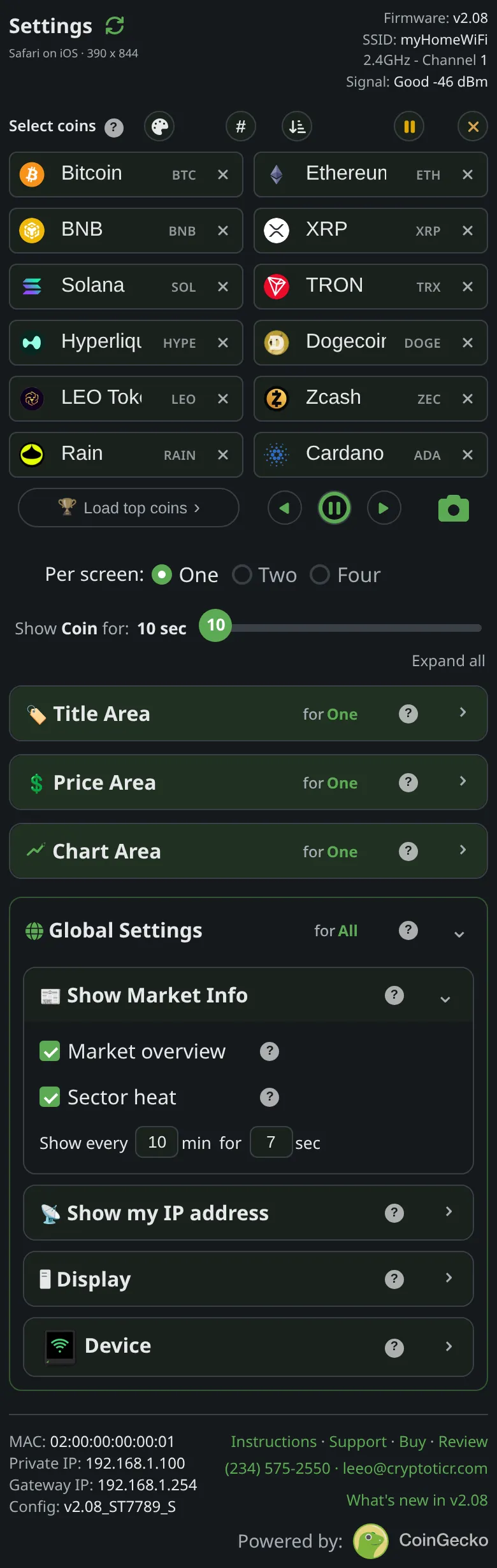 9:41192.168.1.107
Symptoms
- A market card is switched on, but the ticker cycles through coins and the card does not appear.

Cause
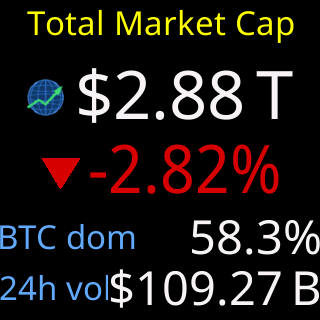
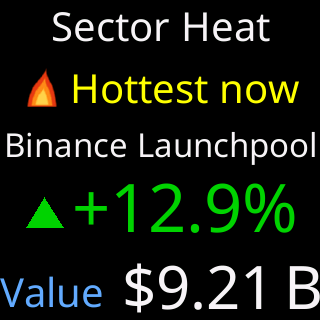
Four ordinary reasons. The card’s data is not on the ticker yet: the page says If a card's data isn't in yet (say, right after power-on), your coins simply keep going and the card appears as soon as its data arrives. The server itself answers “not yet” for a minute or two after its own restart while it gathers sector data. The interval has not come round: Show every counts minutes, and a card shows once per interval. The switches are kept per layout, so a card turned on in One per screen is off in Two or Four until you switch it on there. Or another pop-in was on the glass moments ago and the cards wait out the shared spacing gap.
Fix
- Tap the card’s run button on the settings page. If the card appears on the ticker, everything works; it is only waiting for its interval.
- If the run button shows nothing, wait a few minutes and try again: the data is still on its way from the server.
- Check the
Per screen:layout you are watching. Switch the card on in that layout too. - Shorten
Show everyif you want the cards more often; the shortest is two minutes.
If that didn’t work
- The run button never produces the card after an hour online, while prices update normally: contact Lee with which card and your firmware line. See Contact.