My phone keeps leaving the setup network
- The phone shows a 'no internet' warning on the CT network and switches back to home Wi-Fi
- Setup page: `⚠️ I've lost touch with your setup device (phone/tablet/PC).`
- The setup page stopped responding or the sign-in window closed

Symptoms
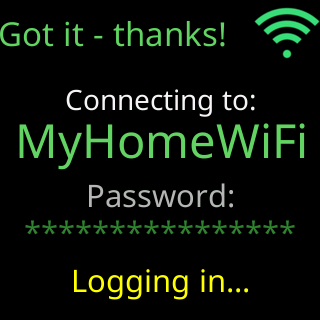
The setup page shows ⚠️ I've lost touch with your setup device (phone/tablet/PC). Usually that means it left my setup Wi-Fi — but I can also go quiet for a while when I'm busy joining your network. Or the phone’s Wi-Fi settings show it back on your home network without you touching them, and the setup page will not load.
Cause
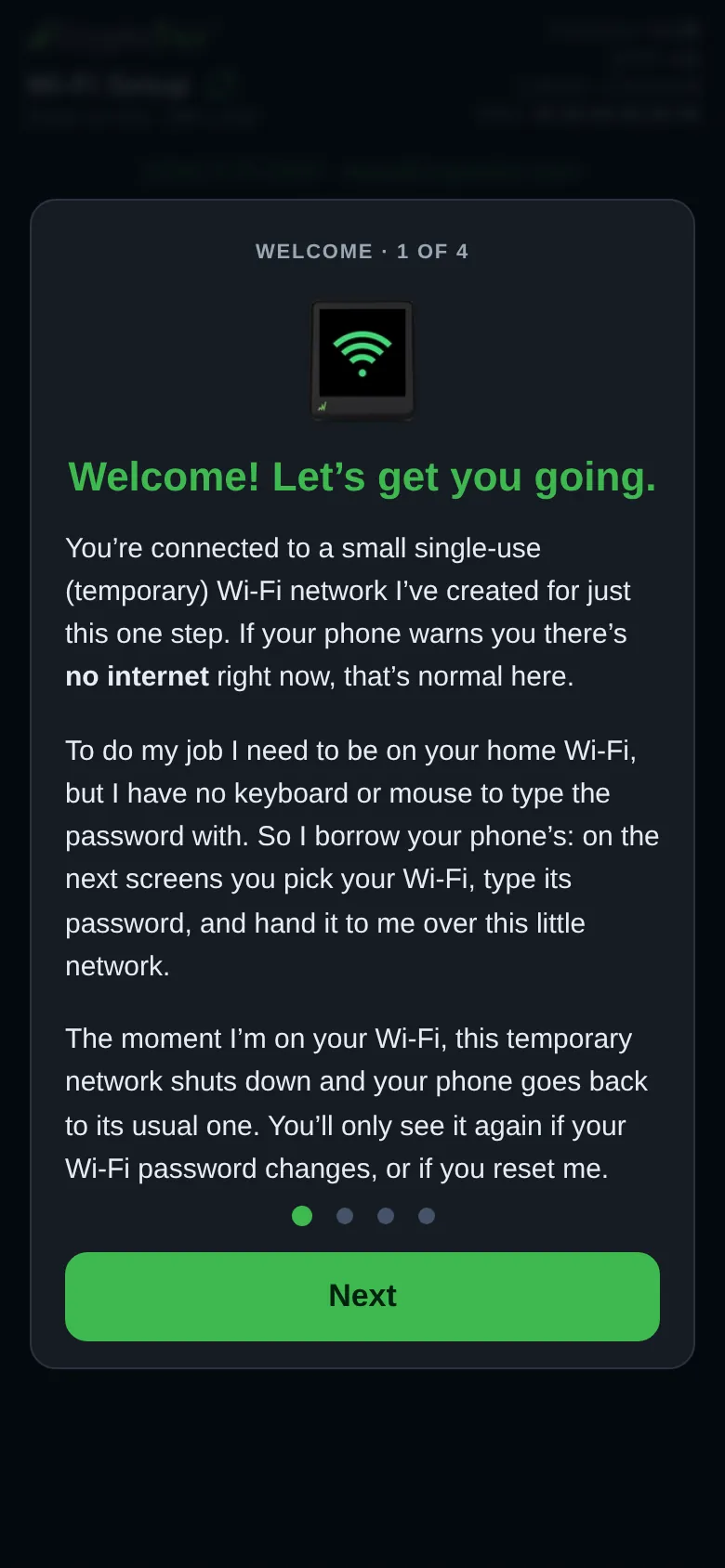
Phones and tablets treat a network with no internet as broken and hop back to the last good one on their own, and the CT network deliberately has no internet. The setup page’s first card warns about it: If your phone warns you there's no internet right now, that's normal here. Two other things look the same from the page’s side: the ticker goes quiet for some seconds while it scans or joins a network, and the ticker shuts the CT network down the moment it has joined your Wi-Fi, which is success, not a fault.
 9:41192.168.4.1
Fix
- Decide where you were. If you had already tapped
Connectand the ticker’s screen showsYou're all set!or has restarted onto your Wi-Fi, nothing is wrong: the page saysThen this is normal: I shut my setup Wi-Fi down and joined your home network.Put your phone on your usual Wi-Fi and open the address the ticker showed; see Find the settings page after setup. - If the ticker’s screen shows
Can't get online, it is waiting for your answer. Rejoin theCTnetwork and reopen the setup page: the question comes back withUse it anywayandPick another Wi-Fi. With no answer, the ticker uses that network after 3 minutes. - If you had not got that far, open the phone’s Wi-Fi settings and rejoin the
CTnetwork. If the phone asks whether to stay connected without internet, say yes. - Go back to the setup page. It resumes where you were; a password you typed is kept while the page stays open.
- If the page shows an address under
Back on your home Wi-Fi already?, the ticker has already reported it: put the phone on your home network and type that address into the browser.
If that didn’t work
- The page will not open even on the
CTnetwork: The setup page did not open by itself - You are back on your home Wi-Fi and the ticker’s address does not answer: The settings page won't open