Privacy
 9:41192.168.1.107
What stays on the ticker
Your Wi-Fi name and password, your coin list and every display setting are stored on the ticker itself. The Wi-Fi password never leaves it. There is no account to create and nothing to sign in to.
What the ticker sends, and why
To show prices, the ticker asks CryptoTicr’s server for them, over an encrypted connection, as each coin comes round. Each request names the coin and carries an identifier for the ticker, its firmware version and a few readings about its own health and setup.
Once an hour, when it checks for firmware updates, it also sends the time zone you chose, so quiet hours keep your local time, and a short health report. After a fault it sends the technical record of the fault.
These readings are how Lee sees a ticker that is struggling and fixes the cause in a firmware update.
The server sees the internet address your requests come from, as every server does.
What the ticker never collects
- Your Wi-Fi password.
- Your name, email address or location, beyond the time zone you picked. There is no account.
- Sound or pictures. The ticker has no microphone and no camera.
- Anything about your crypto. The ticker never connects to a wallet or an exchange; it shows public market prices only.
Crash reports
After a fault the ticker may show a QR code headed Crash report data, with Scan and send to Lee. It holds the technical record of the fault and nothing about you. Sending it is up to you.
The settings page
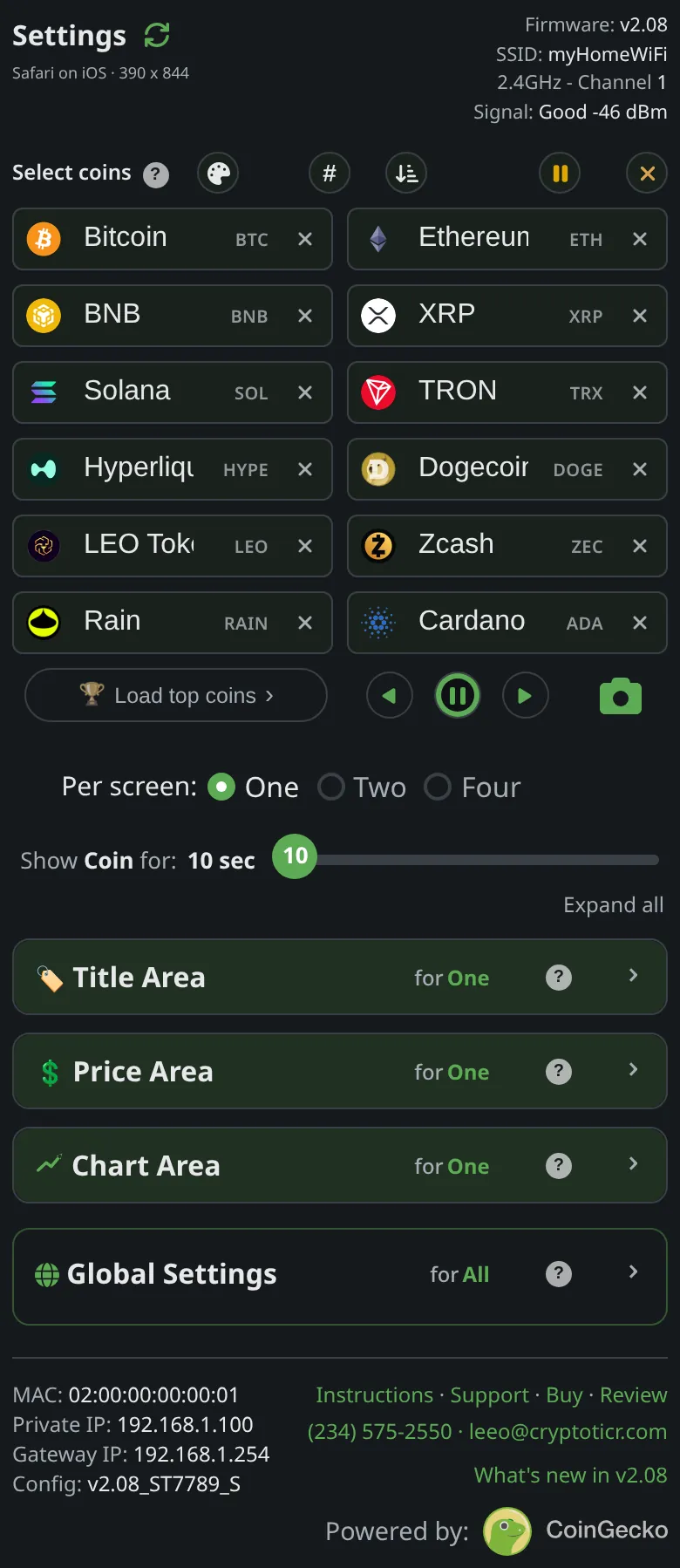
The ticker serves the settings page on your home network. Your browser fetches the page’s scripts and the list of coins from CryptoTicr’s server. If the page fails to load, your browser tells that server which ticker and browser it was and what went wrong, so a broken page gets noticed and fixed.
Your browser keeps a few conveniences for the page, on your device only: the page theme, which sections you have folded, whether you have seen the welcome notes, and, if you set a settings password, a scrambled copy of it so that browser stays unlocked.
This website
This website has no accounts, no ads and no tracking cookies of its own, and nothing is shared with anyone, apart from what the contact form’s robot check sends to Cloudflare (below). We count visits to the site for our own marketing.
The menu at the top of each page that switches between English and Español remembers your choice in a cookie named lang for one year, so the site opens in that language on your next visit. It holds the language and nothing else. If you have not chosen, a browser set to prefer Spanish is shown the Spanish pages.
If you send a request from the custom and bulk orders page, what you send (your name, how to reach you, your answers and any artwork files) goes to Lee, along with the internet address and the browser it came from. It is kept to answer you and to carry out your order, and it is used for nothing else.
If you write to Lee from the Contact page, what you send (your name, your email address, your phone number if you give it, what it is about, where you bought the ticker if you say, and your message) is mailed to Lee. A copy is kept on CryptoTicr’s server, together with the internet address and the browser it came from. It is used to answer you and for nothing else. The confirmation sent to your email address repeats nothing you wrote. The form’s robot check is Cloudflare Turnstile. Cloudflare runs it, on that page and on Report a bug or suggest a feature only, under Cloudflare’s privacy policy and its Turnstile privacy addendum. To tell a person from a robot, it looks at signals from your browser and your connection, such as your internet address and the name your browser gives itself. Cloudflare states that Turnstile does not read what you type into the form, and that it uses these signals to detect robots and to improve that detection, not to identify, profile or target anyone. Cloudflare may set its own security cookies for the check, which its cookie policy counts as strictly necessary.
Questions
Ask Lee; see Contact.