The QR code won't scan
- The camera doesn't recognize the code
- The code disappears before I can scan it
- Scanning opens a search instead of the page
 9:41192.168.1.107
Symptoms
- The phone’s camera shows no link when pointed at the QR code on the ticker, or the code is gone before the camera finds it.
Cause
The code holds HTTP:// and the ticker’s address, nothing more, so a phone that reads it opens the settings page.

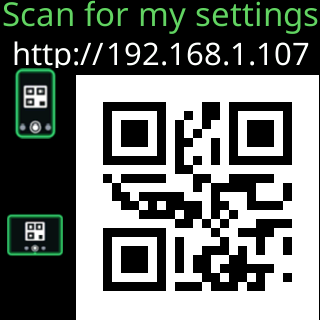
What defeats the camera is distance, glare on the glass, the code leaving the screen before you are ready, or a camera app that does not scan codes by itself. The QR row’s For how long sets how long the code stays, between 20 and 60 seconds. The page explains why that matters: scanning takes far longer than reading: you have to notice the code, fetch the phone, open the camera and line it up.
Fix
- Give the code more time: in
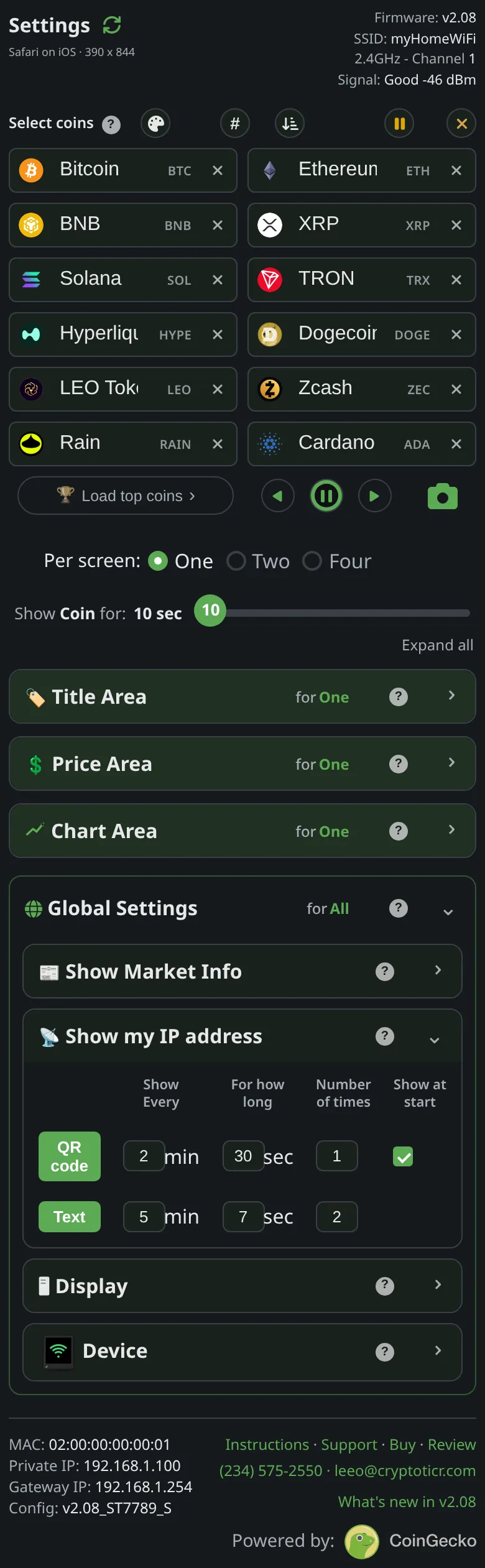
Show my IP address, raise theQR coderow’sFor how long. Switching theQR coderow on puts the code on the ticker straight away, so you can try it at once. - Hold the phone 8 to 12 inches from the glass, square on, and keep reflections from a window or lamp off the screen.
- Use the phone’s built-in camera app; on most phones a link appears at the top or bottom of the view. Some Android phones need “scan QR codes” switched on in the camera’s settings, or a QR option in the quick settings.
- If nothing works, read the address off the text popup or the start screen, both headed
My settings are here:, and type it withhttp://in front. See Opening the settings page.
If that didn’t work
- The camera opens a search instead of the page: type the address instead; the search shows the address the code held.