The router says it's full
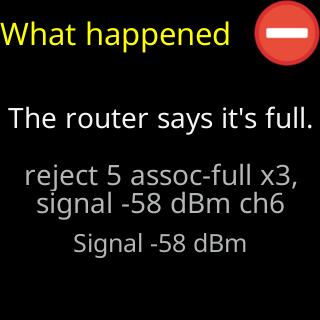
- Glass: `The router says it's full.`
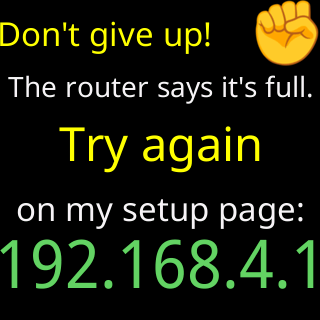
- Setup page: `Your router says it can't accept any more devices right now. Restarting it usually clears that.`
- Setup page, technical detail: `Your router is already holding as many devices as it allows.`
Symptoms
The glass shows The router says it's full. The setup page says Your router says it can't accept any more devices right now. Restarting it usually clears that. Give it a minute, then tap Connect again., and under Extra technical detail: Router reason 5 / Your router is already holding as many devices as it allows. Restart it, or remove something you no longer use, then try again.

Cause
The router answered the ticker with the reason code that means its device limit is reached. Every router has a maximum number of connected devices, and old entries for devices that left are not always cleared promptly. This is the one refusal the ticker can name with certainty, because the router said so itself.
Fix
- Restart the router. Wait for it to come fully back — a minute or two.
- Tap
Connectagain on the setup page. - If it is refused again, remove a device you no longer use from the router’s device list in its app, or raise the router’s device limit if it has that setting.
If that didn’t work
- A mesh system may count devices per unit; move the ticker nearer a different unit and try again.
- Contact