Screen messages about the address and settings
Everything you change about the ticker happens on a page it serves to your phone or computer, and the ticker spends a fair amount of its screen time telling you where that page is. These are those screens.
Where the settings page is

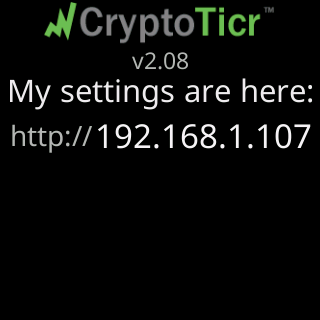
My settings are here: with an address appears on the start screen, under the logo, once the ticker has an address.
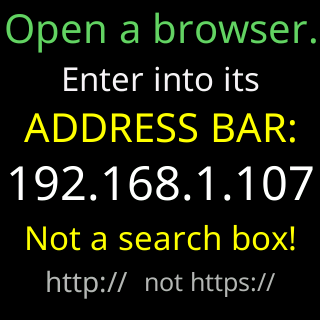
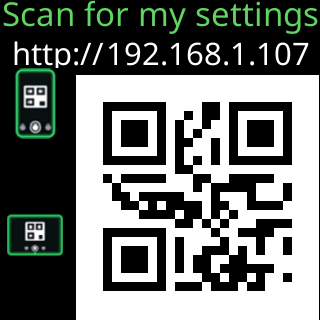
The first-run tour spells it out twice over, once for a computer and once for a phone. The computer card insists on the two things people get wrong: Not a search box! and http:// not https://, plain http because the page travels only on your own network, never over the internet. The phone card is the same address as a QR code.
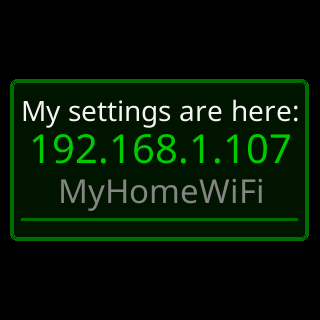
The scheduled address popup is the small version, a green-bordered box over whatever was on screen, with the address and the network it is on. It has a QR form too, with phone and tablet icons and a seconds badge. What it is and how to switch it off is on The address popup and QR code.
The first-run tour

Nicely done! opens the tour, the moment the ticker first joins a network. For help... follows, the same card the setup rotation uses, with the phone number and email address on it. The tour ends with You're in settings! / Pick your coins, / hit Save, and / I'll get to work! once the page has been opened for the first time.
Small notes about addresses
These are dim, short notes, about seven seconds each. They are written for the person helping you rather than for you, and nothing is asked of you.
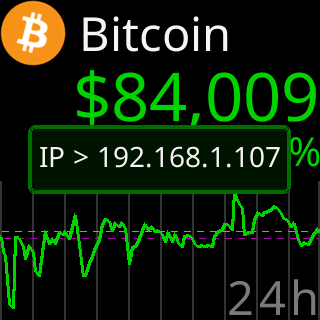
| The note reads | What it means |
|---|---|
IP > 192.168.1.42 |
the ticker’s own address changed; the address popup follows with the new one, whether or not the popup is switched on |
Server reassigned with an old and a new address |
the price server moved to another machine, which is our business rather than yours |
I can now see my / server's API again: with a name and an address |
the server’s name resolved again after a stretch when it did not |
Setting the password
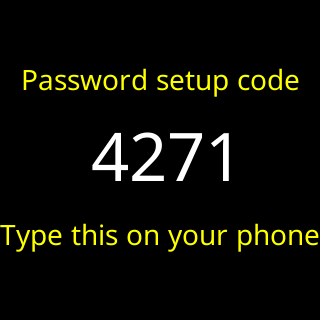
Password setup code with four digits appears when you start the lock flow on the settings page. Typing it back proves you are standing at the ticker rather than only on the network. It lasts two minutes and three tries; a wrong try keeps the same code, and the third wrong try puts up a fresh one. The ticker shows at most one new code every 30 seconds. While the code is up, the settings page cannot take a screenshot, so read the code off the ticker itself. The page has a Show the code again link that asks for a new one. The whole procedure is on Lock the settings with a password.
Colors
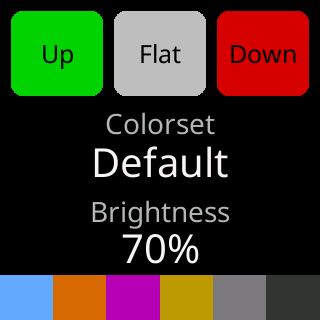
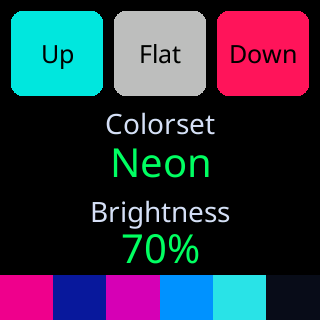
When a colorset is chosen, the ticker shows what it picked: the words Up, Flat and Down in that set’s own price colors, the set’s name, the brightness, and a band of the other colors it uses.
Paused from the page
Pausing from the settings page puts a small dark disc in a corner of the screen, with a ring that empties as the hold runs out and the time left in the middle of it, counted in seconds or, for a long hold, as something like 2m. It clears by itself.