Screen messages during updates
Updates arrive on their own and mostly say nothing. The cards below are what the screen shows when there is something worth telling you: a download in progress, or an attempt that did not finish. Nothing here needs an answer from you, beyond leaving the ticker plugged in.
Downloading

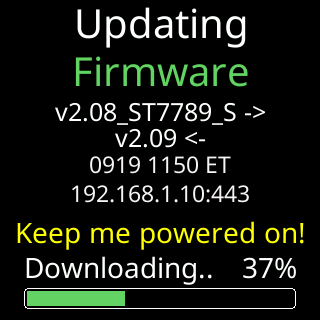
The download takes the whole screen: the version it is coming from and going to, the build date and the server it is talking to, Keep me powered on! in yellow, and a progress bar labeled with the phase and a percentage.
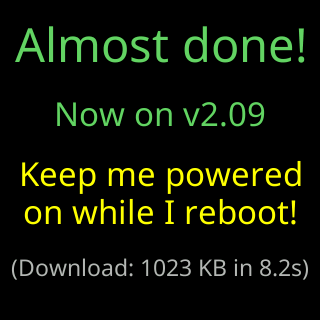
When it lands, Almost done! gives the new version, asks again to stay powered, and reports what the download cost, for example (Download: 1023 KB in 8.2s). Then the ticker restarts.
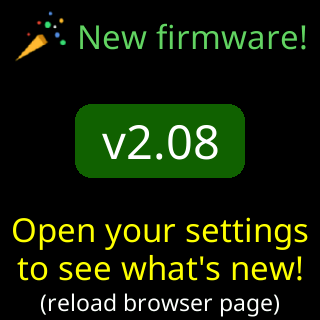
After a major version jump only, a card joins the rotation with the new version in a green badge and (reload browser page) under it. It shows twice per power-up until you open the settings page.
Postponed or failed
Nothing in this group asks you to do anything. The ticker keeps its old firmware, which still works, and schedules another attempt.
| The card says | What happened |
|---|---|
Signal too weak / Postponing update. |
the signal is below the line updates need; it will try again later |
I'll try again in with a minute, 12 minutes or 2 hours |
an attempt failed and the next one is already scheduled |
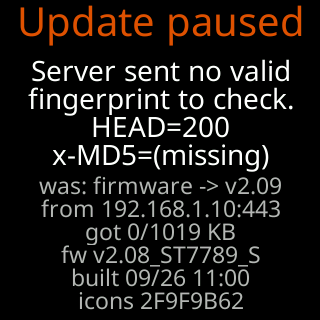
Update paused |
the server offered a file with no fingerprint to check it against |
Update failed |
the connection dropped part way |
Firmware update / didn't finish. |
the same, held for three minutes before the next attempt |
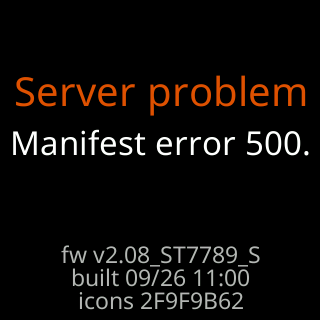
Server problem, No manifest file (404). or Can't reach server |
the update list itself could not be fetched |
Update was interrupted |
shown on the crash-report card, when an interrupted update left the image damaged |
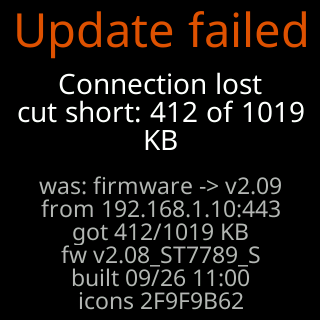
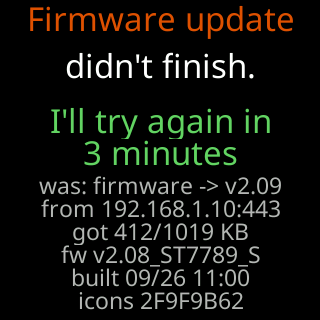
The block of small gray lines under the headline is the evidence, not an error code to act on: what was being fetched, from which server, how far it got, and which firmware and icon pack the ticker is on. It is there so that one photograph of the screen answers every question support would otherwise have to ask.
Icons
Coin artwork updates the same way, separately from the firmware, and never at the cost of your settings. When a release comes with new coin artwork, this sequence runs once by itself about half an hour after the update’s restart, and ends with one more restart.
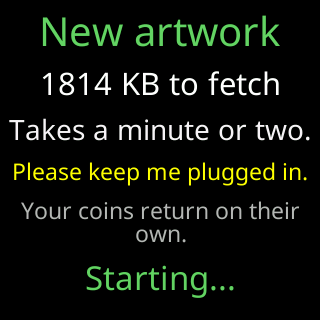
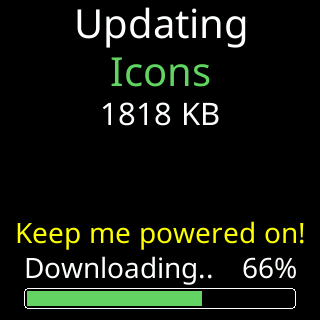
The announcement says what is coming and what it will cost, including Please keep me plugged in. and Your coins return on their own. Then the download, with the same progress bar the firmware uses.
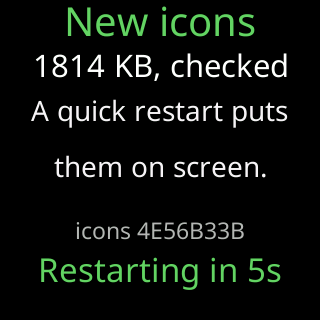
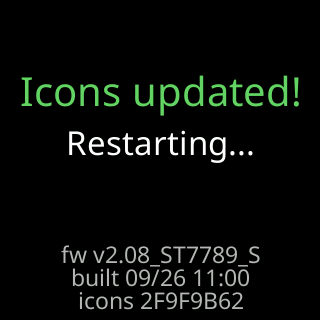
A verified pack needs a restart to appear, and the ticker counts down to it.
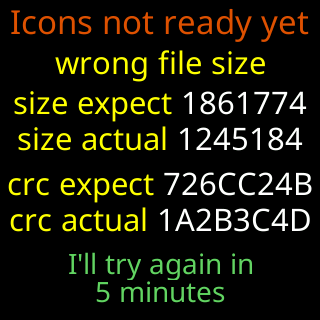
Icons not ready yet means the pack did not match its own fingerprint and was thrown away, leaving the ticker without logos until the retry in 30 minutes. The rows name what was expected and what arrived. Your coins and settings are kept. A failed fetch that kept the old pack shows nothing.