Your router and I could not agree on a security type
- Setup page, technical detail: `Your router and I could not agree on a security type. I can join WEP, WPA and WPA2 Wi-Fi, but not WPA3.`
- Setup page, technical detail: `Your router refused my radio settings.`

Symptoms
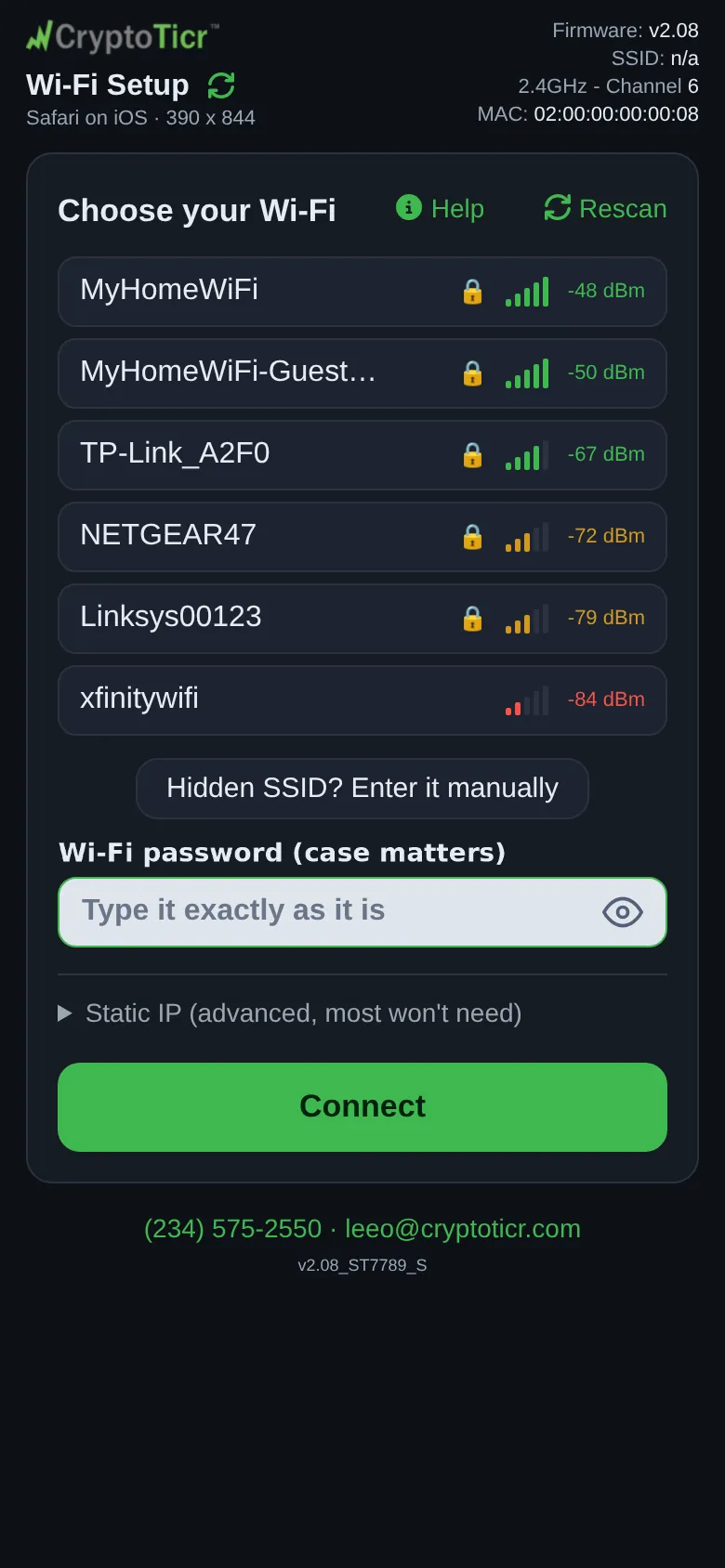
Under the status panel’s Extra technical detail, a line reads Your router and I could not agree on a security type. I can join WEP, WPA and WPA2 Wi-Fi, but not WPA3. Or, rarely, Your router refused my radio settings. This one is rare, and usually means the router is set to a country or channel I cannot use. The verdict above it may say the router turned the ticker away or that it failed without saying why.
 9:41192.168.4.1
Cause
The ticker joins open, WEP, WPA and WPA2 networks; it does not have WPA3. A router set to WPA3 only refuses it. A router in WPA2/WPA3 mixed mode should accept it as WPA2, though some mesh and band-steering routers send this reason once with a perfectly good password and then accept the next try, which is why the ticker does not treat it as a verdict on its own. The radio-settings line means the router is set to a region or channel the ticker’s radio does not use.
Fix
- Tap
Connectagain once; on a mixed-mode router the second try often lands on WPA2. - If it repeats, open the router’s Wi-Fi security settings and change WPA3 to WPA2 or to WPA2/WPA3 mixed. Every phone and laptop made in the last decade joins WPA2.
- For the radio-settings line, set the router’s region to your own country and its 2.4 GHz channel to one of 1 to 11.