Setting: price area and chart line switches
 9:41192.168.1.107
The control
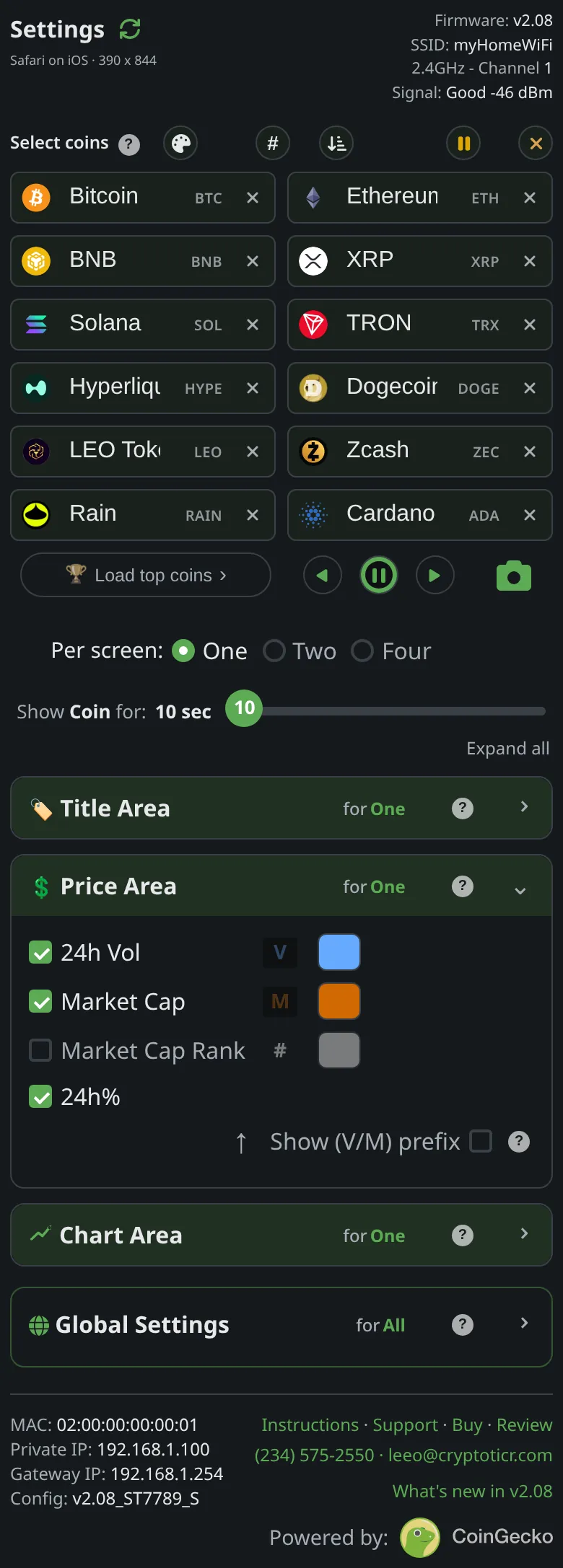
Price Area switches and Chart Area → Include within chart:.
What it does
One value per layout holding several on/off switches: whether volume, market cap, rank and the 24-hour change appear under the price, and whether the chart draws its time divider lines and its first/last price lines.

The choices
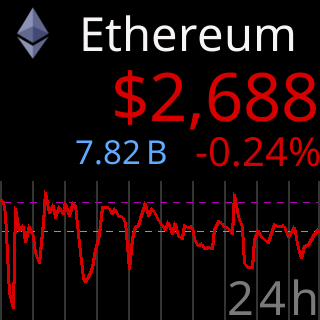
24h Vol,Market Cap,Market Cap Rank,24h%: any combination; the three left-hand figures take turns.Time divider lines,First/last price lines: on or off.
On the glass
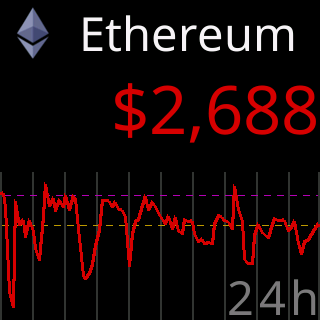
The stats row and chart redraw on the next coin; with every figure off the chart takes the row’s space.
The stored key
display_options in the ticker’s settings, and in the file that Export writes. The shipped value is generated from the one source of defaults and shown on this page by the site, never typed here.