Setting: Sector heat card
Factory default: On
 9:41192.168.1.107
The control
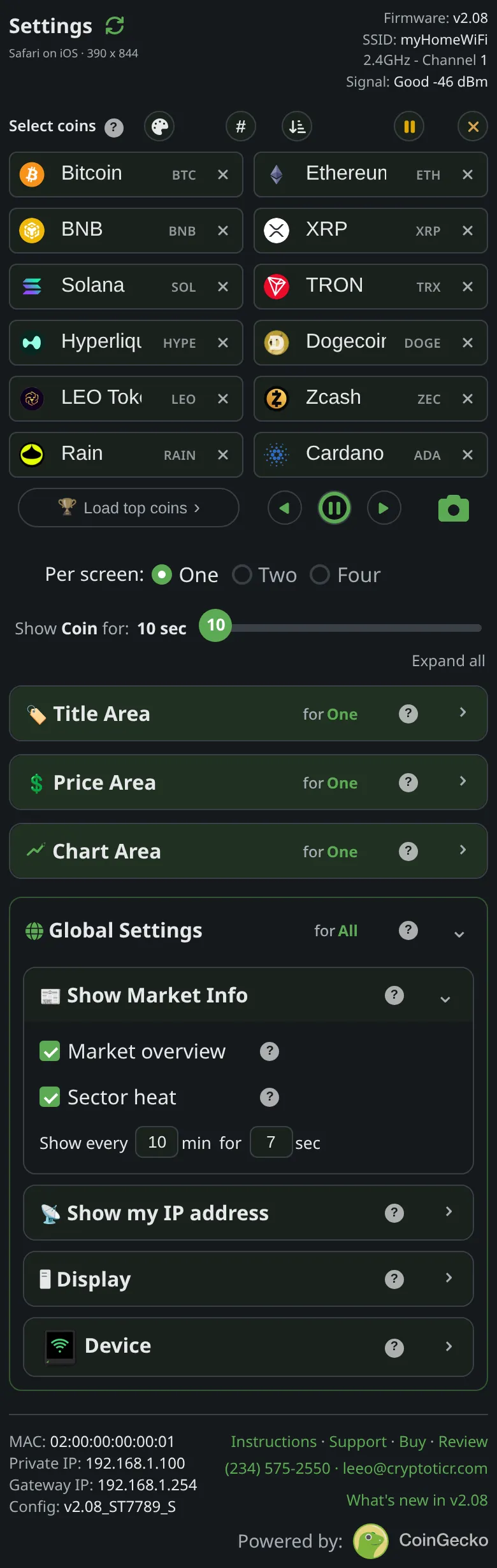
Show Market Info → Sector heat.
What it does
Enables the card for the current layout on the shared market-card schedule. Turning it on shows it at once as a preview.
The choices
- On or off, per layout.
On the glass

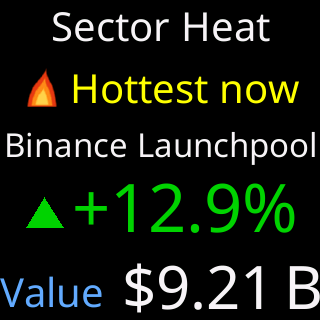
The card takes a turn between coins at each interval, after the Market overview when both are on.
The stored key
news_sector_hot in the ticker’s settings, and in the file that Export writes. The shipped value is generated from the one source of defaults and shown on this page by the site, never typed here.