Setting: quiet hours on or off
Factory default: Off
 9:41192.168.1.107
The control
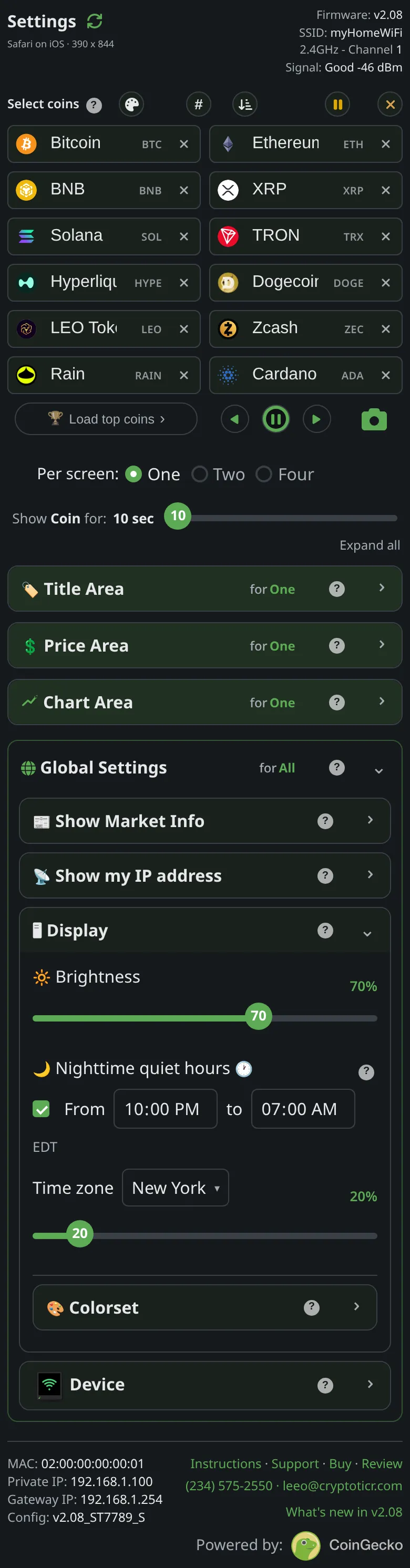
Display → Nighttime quiet hours switch.
What it does
Enables the dimming window. Off, the times and night level are kept but ignored. The window also stands down by itself whenever the ticker cannot trust the time, during an update, and in setup mode.
The choices
- On or off.
On the glass
Applies within a second: the screen dims or brightens if the window is open now.
The stored key
quiet_on in the ticker’s settings, and in the file that Export writes. The shipped value is generated from the one source of defaults and shown on this page by the site, never typed here.