Setting: show my IP address
Factory default: On

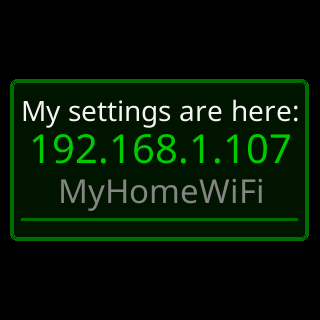
The control
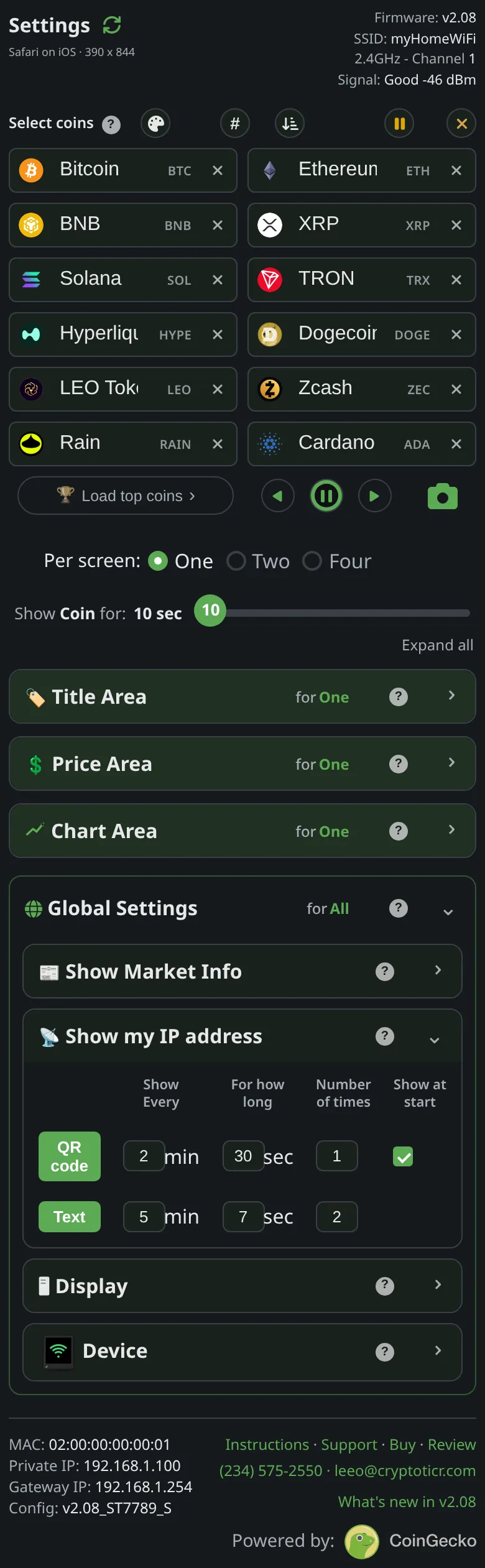
Show my IP address — the section’s own switch.
 9:41192.168.1.107
What it does
Enables the scheduled popups. The one showing after the router changes the ticker’s address happens whatever this says.
The choices
- On or off.
On the glass
On: the two rows run their schedules. Off: no scheduled popups.
The stored key
show_ip in the ticker’s settings, and in the file that Export writes. The shipped value is generated from the one source of defaults and shown on this page by the site, never typed here.