Setting: 24h Vol color
Factory default: each colorset's own color
 9:41192.168.1.107
The control
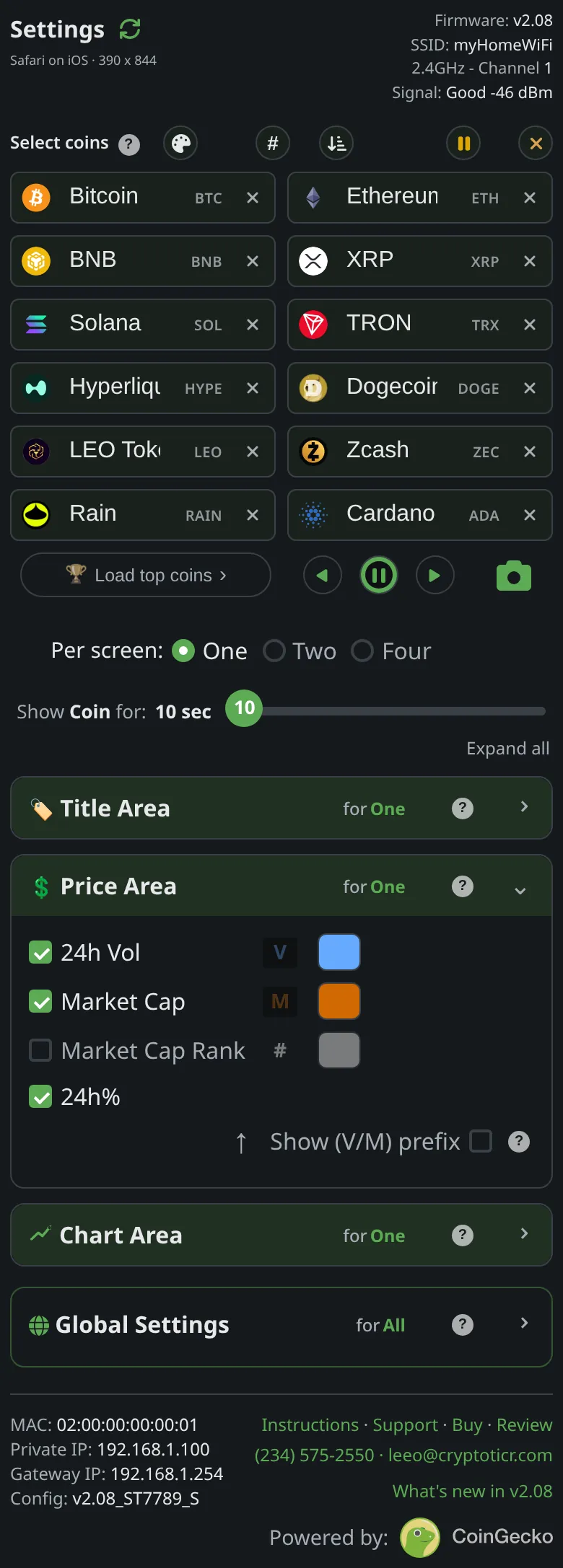
Price Area → the swatch beside 24h Vol, with its Default button.
What it does
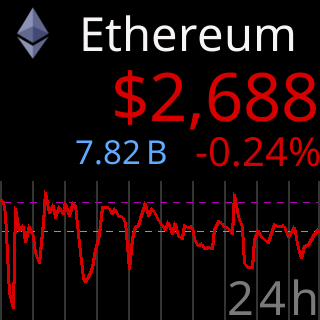
Overrides the volume figure’s color within the current colorset only; switching colorsets brings back that set’s own choice. The picker will not go to black.

The choices
- Any color from the picker or typed as a hex value;
Defaultreturns the colorset’s own color.
On the glass
The figure redraws in the new color on its next turn in the stats row.
The stored key
vol_color in the ticker’s settings, and in the file that Export writes. The shipped value is generated from the one source of defaults and shown on this page by the site, never typed here.