The three screen layouts side by side
 9:41192.168.1.107
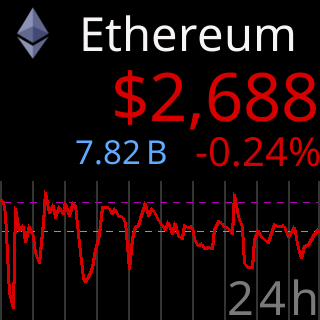
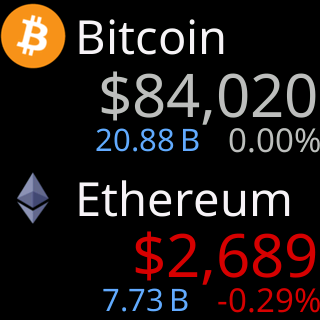
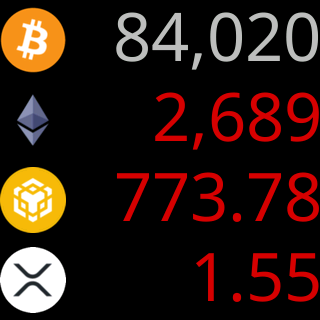
Side by side
| One | Two | Four | |
|---|---|---|---|
| Coins on the glass | 1 | 2 | 4 |
| Title | icon, symbol, name or a pair | icon, symbol, name or a pair | symbol or icon |
| Price | large, colored by the day | medium, colored by the day | small, colored by the day |
| Stats row | yes, rotating | yes, smaller | no |
| Chart | yes, or the 7d/30d/90d panel | no | no |
| Rotation step | one coin | a page of two | a page of four |
Own Show … for: time |
yes | yes | yes |
Choosing
One is for reading a coin: chart, change, volume. Two and Four are for watching a list at a glance. All three keep their own title style, stats switches and time, so trying one costs nothing; see Per-layout and shared settings. The control is Per screen: above the Display section; see One, two or four coins per screen.