Setup page won't open on your computer
The ticker's setup page won't open on your computer? A security app's VPN may have switched on. How to tell, and what to turn off during setup.
Step by step in the manual: Setup page won't open on a computer with a security app
Chapters
More help with Part 1
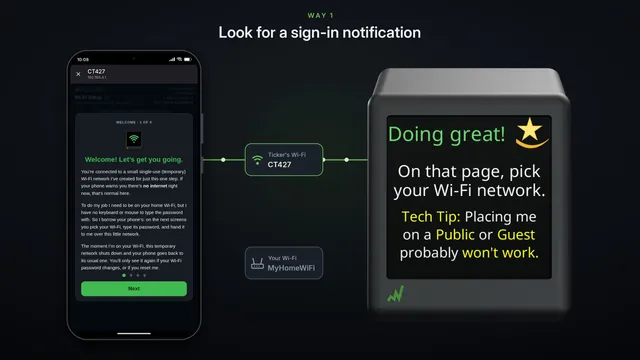 If the setup page doesn't pop up Samsung and some other Android phones
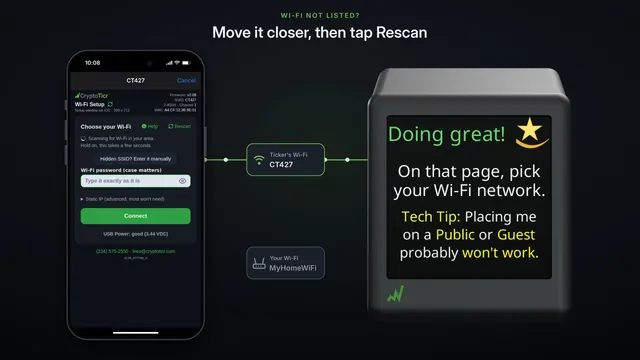 If your Wi-Fi isn't in the list
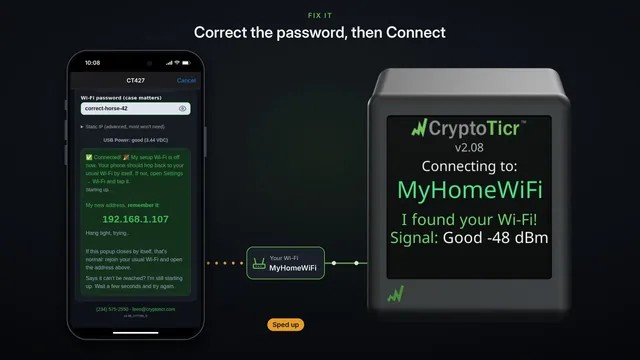 If your Wi-Fi password is refused fix it and try again
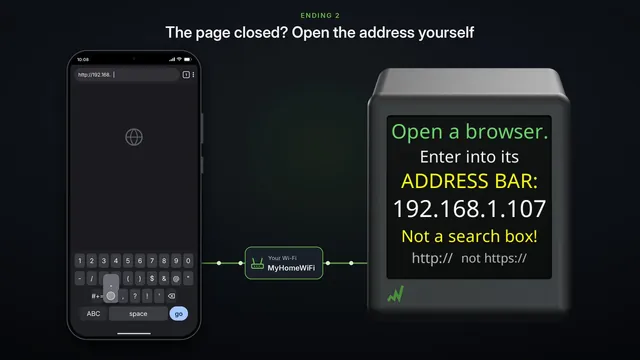 If the settings page doesn't open after setup two endings, both fine
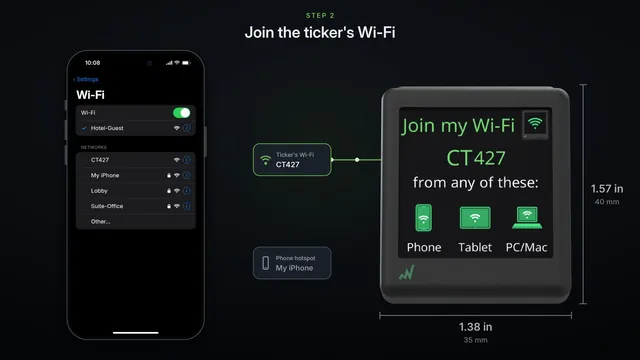 Set it up on a phone hotspot
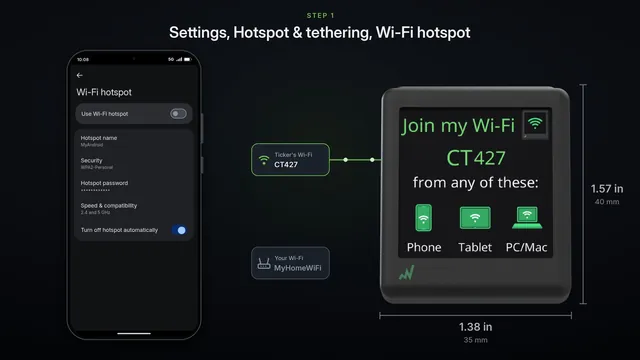 Use an Android phone's hotspot
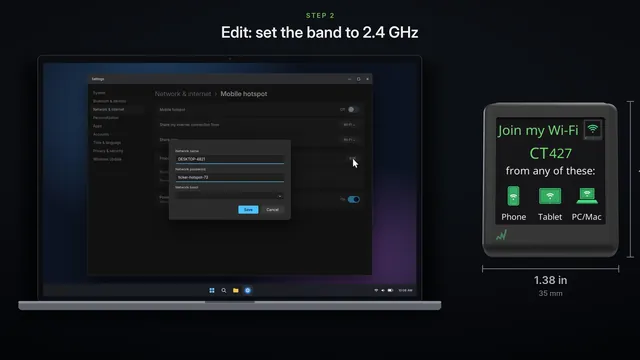 Use a Windows computer's hotspot
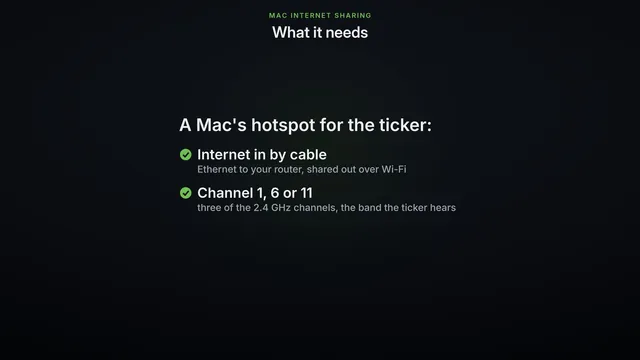 Use a Mac's Internet Sharing
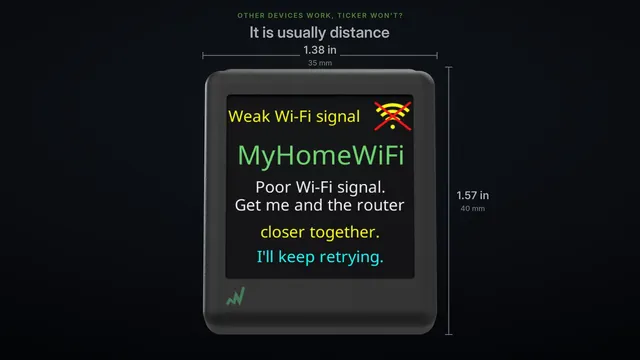 Other Wi-Fi devices work, but the ticker won't? Three checks
Read it insteadHide the text
Your computer joins the ticker's Wi-Fi, but the setup page never opens? A security app may be the reason.
The ticker's setup Wi-Fi has no password. Security apps such as McAfee and Norton can switch their VPN on by themselves on a network like that.
This site can't be reached.
The VPN holds back everything it can't send through its tunnel to the internet, and the setup Wi-Fi has no internet. So the page on the ticker, right beside you, is never reached.
How to tell: the page opens on your phone, but not on this computer. Or a notice by the clock says a VPN is on.
Open your security app, and turn its VPN off, or pause its protection, for the few minutes of setup.
Then reload the page.
There's the setup page. With the VPN off, your computer goes straight to the ticker.
When the ticker is set up, turn the VPN back on.
What about the Windows firewall? It stops connections coming in to your computer.
Opening the setup page is your computer reaching out, so the firewall isn't the cause. Leave it on.
Phones can run a security app with a VPN as well. If the page won't open on your phone either, look for a VPN there too, and switch it off for setup.