How do I move the ticker to another house?
 9:41192.168.1.107
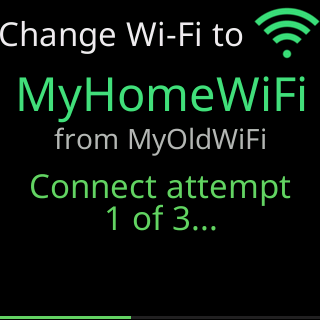
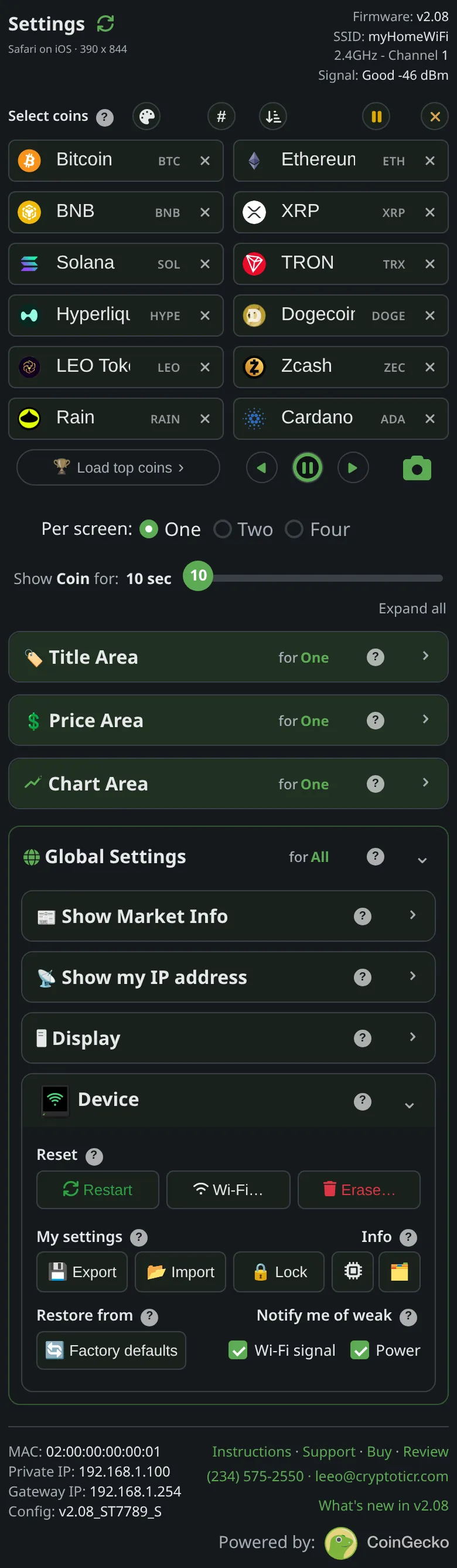
Pick one of two ways before you unplug the ticker, while it is still on your current Wi-Fi; both keep your coins and settings. To have it join the new network by itself, open Device → Wi-Fi… → Change Wi-Fi, type the new network’s name and password, and choose Save it anyway: at the new house it joins on its own. With a settings password, unlock on the settings page first, in the same browser. If the name or password was wrong, or that network was not on yet when the ticker started, it opens its setup network after a couple of failed rounds instead. If it was only that the network was not on yet, unplug the ticker and plug it back in once it is: it joins. See Save a network for another place.
Or open Device → Wi-Fi… → Erase Wi-Fi before you go. The ticker forgets the network and restarts into first-time setup. Unplug it, and at the new house it opens its setup network so you can pick the new one, as on day one. See Erase the Wi-Fi and set up again.
If you move it without doing either, it does not open setup at the new house. It cannot tell a move from a power cut, so it waits for the old network to come back, with no time limit: the glass shows Waiting for Wi-Fi or Trying to connect with the old network’s name, and I retry every 15 seconds, / restart every 2 minutes. If you brought your router and kept its network name and password, it joins as if nothing changed.
Otherwise Erase Wi-Fi is out of reach, because the settings page only opens once the ticker is on your network. The way out is the one its screen names, New Wi-Fi? Restart me / 5 times fast. Wipes me.: a factory reset (power it off and on five times, quickly), which erases your coins and settings along with the network. See Moving to a new home or a new router.