How do I reset the ticker?

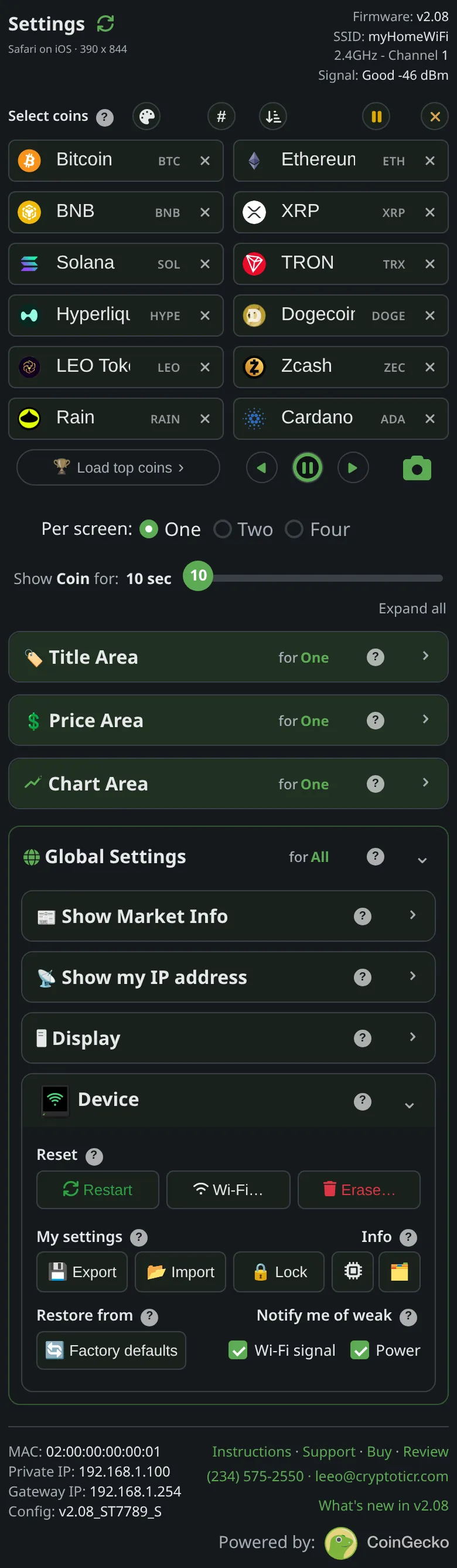
It depends what you want back. If the ticker is misbehaving, restart it: unplug and replug, or Device → Restart on the settings page. Nothing is lost. See Restart the ticker.
 9:41192.168.1.107
If you want your coins, colors and timings back to how it shipped, use Device → Factory defaults; it keeps running on your Wi-Fi. Erase… → Start over (keep Wi-Fi) goes further and replays the welcome screens. Wi-Fi… → Erase Wi-Fi forgets the network and keeps your settings.
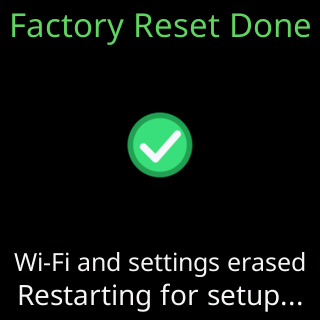
A full factory reset erases everything, Wi-Fi included. From the page it is Erase… → Everything, (FACTORY RESET). Without the page, unplug and replug the ticker five times in a row, each within five seconds of the screen lighting; red circles count you down. See Factory reset by switching it off and on five times. The full comparison is on What each reset erases and keeps.