How long does setup take?
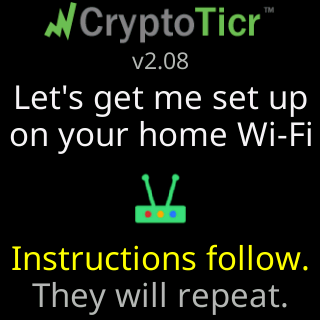
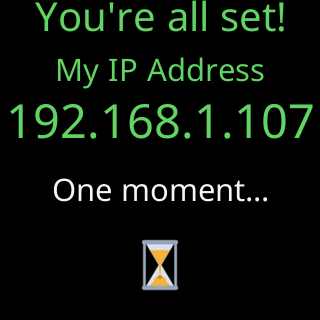
A few minutes, most of it reading. Plug the ticker in and the setup cards start within seconds. Joining its CT network and choosing your Wi-Fi on the page that opens takes as long as typing a password. The join itself is given ten seconds a try, and the ticker then shows a status report, restarts, and joins your network for real. Its first coins appear after a short first-run show. From there, opening the settings page and picking coins is up to you; the starter coins run until you do.

See Quick start.