This network wants a username
- Setup page: `This network wants a business style sign in with a username, and I have no way to type one.`
- Setup page, technical detail: `Router reason 23` / `This network uses business style sign in with a username.`

Symptoms
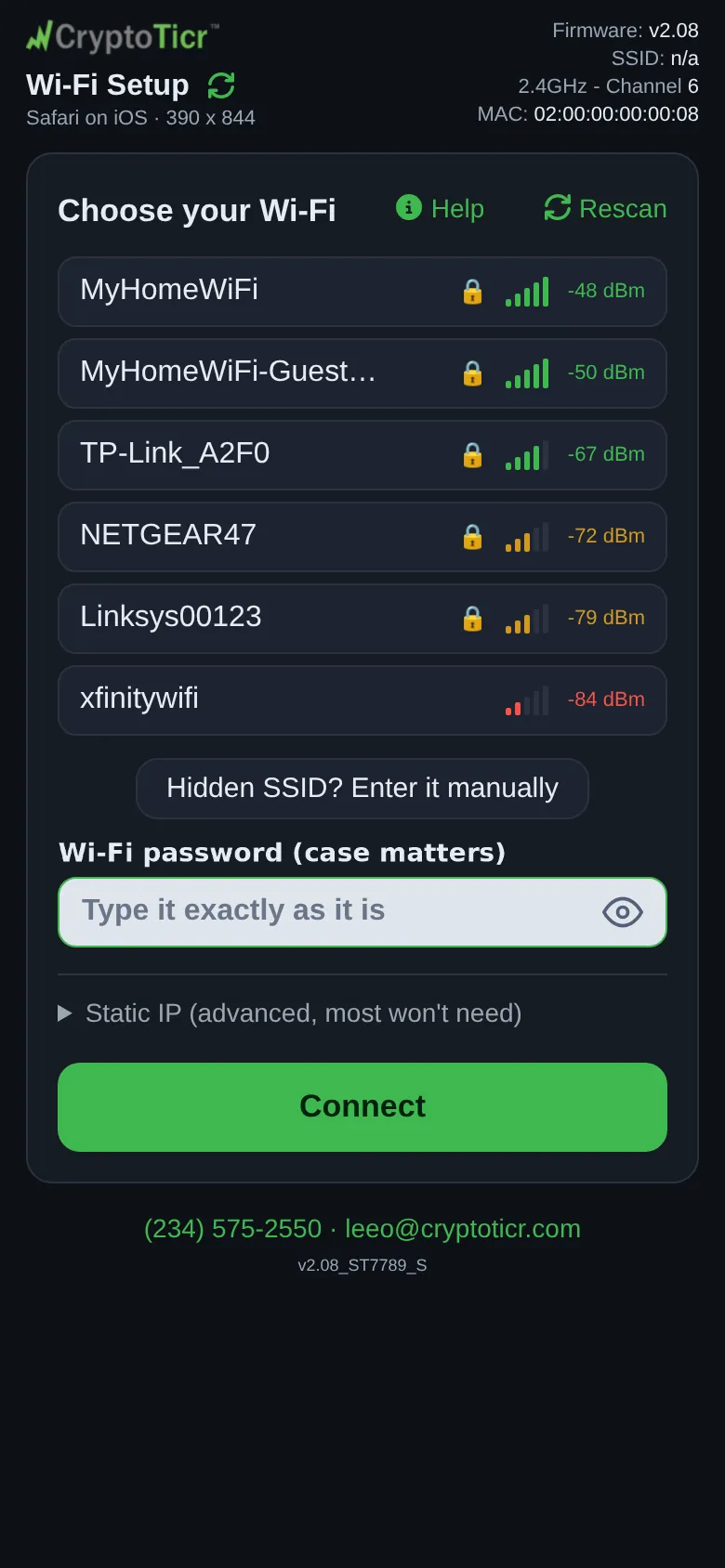
The setup page says This network wants a business style sign in with a username, and I have no way to type one. Please use a normal home Wi-Fi or a phone hotspot instead. Under Extra technical detail: Router reason 23 / This network uses business style sign in with a username. I have no way to do that.
 9:41192.168.4.1
Cause
The network uses enterprise sign-in (a username and password per person, sometimes a certificate) rather than one shared password. The ticker only has a place to type a password, so it cannot join, and retyping anything will not change that. Campus, hospital and office networks are the usual places.
Fix
- Pick a different network, a normal home network with one shared password.
- If you are at work or on campus, use a phone hotspot with its band set to 2.4 GHz (iPhone:
Maximize Compatibilityon): Using a phone hotspot. - Or ask whoever runs the network whether a guest network with a plain password exists.
If that didn’t work
- Office and corporate Wi-Fi explains why an exception is rarely worth asking for.
- Contact