Nothing came back when I asked to join
- Glass: `Nothing came back.`
- Setup page: `I can see your network, but nothing came back when I asked to join. That's usually a moment's bad luck rather than a fault.`
- Glass waiting screen: `Trying to connect` / `No answer yet. I keep trying.`, or `Waiting for Wi-Fi` / `It's there. I can't join yet.`
Symptoms

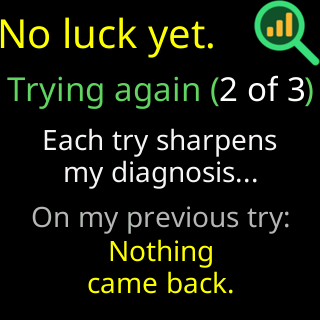
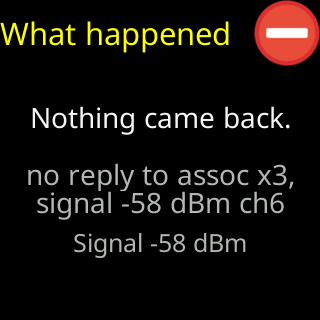
The glass shows Nothing came back. The setup page says I can see your network, but nothing came back when I asked to join. That's usually a moment's bad luck rather than a fault. Tap Connect again. If it keeps happening, look in your router's app for a list that has to approve new devices, and let me in.
Cause
The ticker heard the router’s beacon — the network is there, at a usable signal — sent its join request, and the router never replied. A router that is busy, restarting, or steering devices between its units drops a request now and then. A router that holds new devices for approval can also stay silent rather than refuse.
Fix
- Tap
Connectagain. One retry clears most of these. - If it happens repeatedly, open the router’s app and look for devices waiting for approval, “access control”, or “MAC filtering”; allow the ticker.
- Restart the router and try again.
If that didn’t work
- The router answers but refuses: The router turned me away
- Contact