Update postponed because the signal is weak
- Signal too weak
- Postponing update.
- Not great, updating anyway
Symptoms
- A short green card,
Signal too weak/Postponing update., then the coins return. It may repeat at each hourly check. - Later, the signal card leads an update with
Not great, updating anyway.

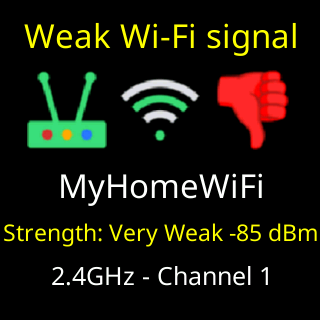
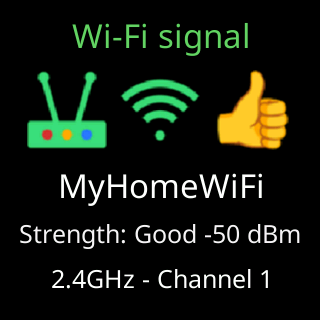
Cause
A firmware image is a megabyte, and a very poor link tends to drop partway through. So when the smoothed reading is worse than the update line, well below where the weak-signal card starts warning, the ticker puts the download off until the next hourly check, and counts. After ten postponements it updates regardless, so a ticker in a poor spot is never left behind. A ticker that has been faulting skips the wait altogether, since the update may be the cure.
Fix
- Nothing is required; the ticker will update. To make it sooner, move the ticker nearer the router, or the router nearer the ticker, and wait for the next check (within an hour).
- Check the reading on the signal card or under
Info → System Info. Once it is better than the update line the next check downloads. - If the reading cannot be improved, let the count run out. The download after the tenth postponement is checked like any other, and if it is cut short it is retried; see A firmware update didn't finish.
If that didn’t work
- The card keeps appearing for days and no update arrives: the link is very poor and the ten postponements have not yet run out. See The weak Wi-Fi card keeps appearing for what improves it.