Glass says: This network is blocking me
- Start screen: `Something here blocks me.` / `I can't get past this network.` / `Use home Wi-Fi or a hotspot.` / `iOS: Maximize Compatibility.`
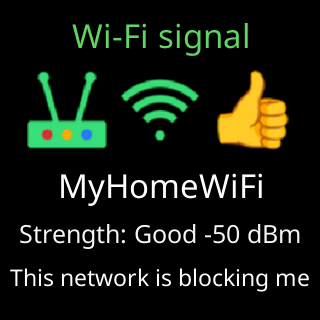
- Signal card: `This network is blocking me`
- Setup page: `⚠️ “<network>” let me in, but it wants a sign-in page first, and I can't sign in to one.`
- Outage box: `something answers for my server`
Symptoms
The ticker is on Wi-Fi (the start screen shows My settings are here: and an address), but the box at the bottom cycles Something here blocks me., I can't get past this network., Use home Wi-Fi or a hotspot. and iOS: Maximize Compatibility., and no coins appear. Once running, the signal card’s bottom line reads This network is blocking me. If the block was there during setup, the glass said Can't get online and the page said, for example, ⚠️ “<network>” let me in, but it wants a sign-in page first, and I can't sign in to one. The ticker is on this network because Use it anyway was tapped, or nobody answered within 3 minutes. While running, the outage box’s verdict reads something answers for my server.

Cause
When the ticker asked for its server, something else answered instead: a sign-in page (hotels, cafes, airports), a content filter (some offices, some parental-control routers), or a connection that redirects traffic. The ticker cannot tell which, so it says only what it saw and gives the two ways out that work whichever it is. It keeps trying, and shows prices if the block lifts.
Fix
- If this is a hotel, cafe or other public network, open its sign-in page on your phone and accept the terms; on some networks that frees every device behind the router. If prices do not start within a minute, the block is per device and the ticker cannot pass it: Hotel, cafe and public Wi-Fi.
- If this is a home network with a content filter or parental controls, allow the ticker (by its
CTname or MAC address) in the filter’s settings, or addapi.cryptoticr.comto its allowed list. - Otherwise move the ticker to a plain home network, or use a phone hotspot with
Maximize Compatibilityon (iPhone) or the band set to 2.4 GHz (Android): Using a phone hotspot.
If that didn’t work
- The
Status report:shown at the end of setup names the block more precisely (443 fails here, 80 works.,My name fails here.): Office and corporate Wi-Fi - Contact