Chrome on a Mac can't open the ticker's page
Safari opens the ticker's page but Chrome on your Mac can't? Turn Chrome on under Local Network in System Settings, then quit and reopen it.
Step by step in the manual: Chrome or Firefox on a Mac can't open the ticker's page
Chapters
More help with Part 1
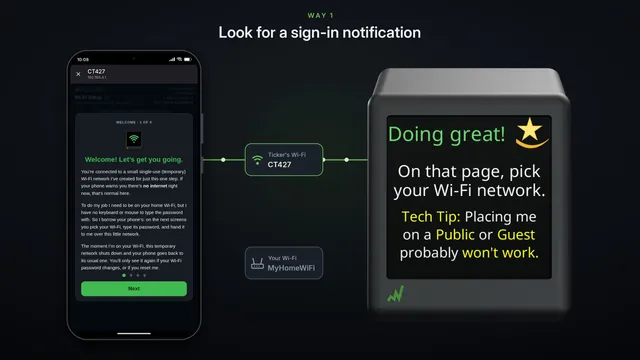 If the setup page doesn't pop up, Samsung and some other Android phones
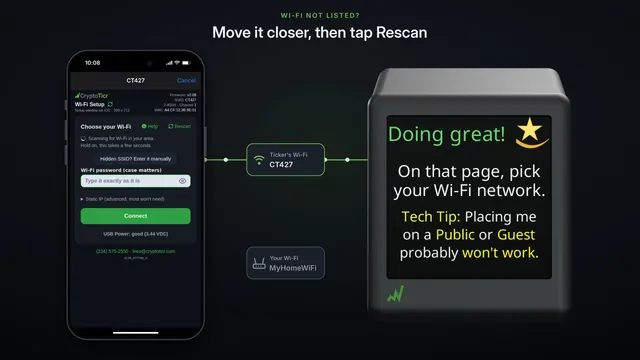 If your Wi-Fi isn't in the list
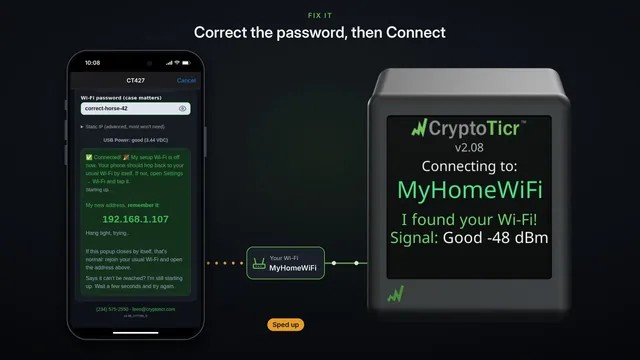 If your Wi-Fi password is refused, fix it and try again
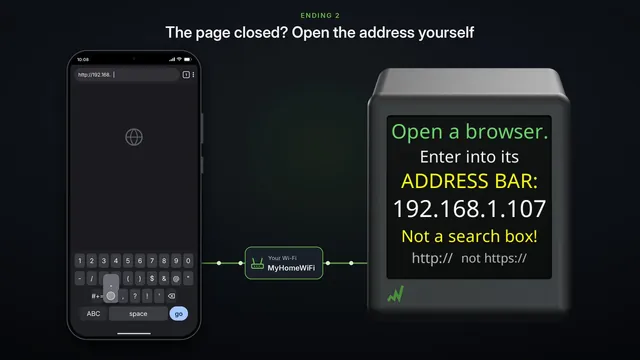 If the settings page doesn't open after setup, two endings, both fine
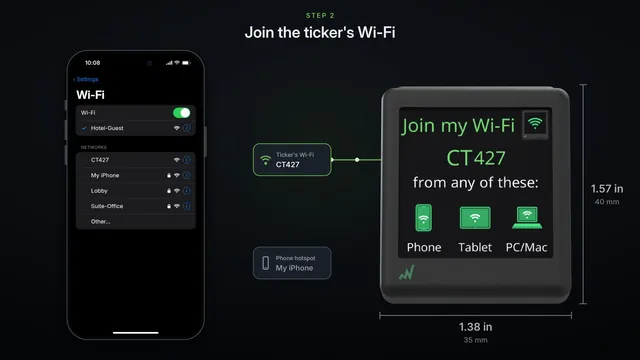 Set it up on a phone hotspot
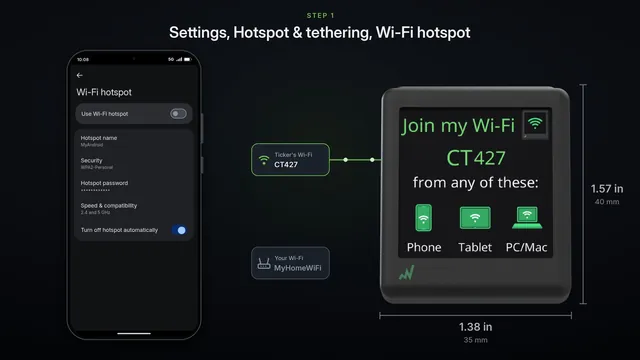 Use an Android phone's hotspot
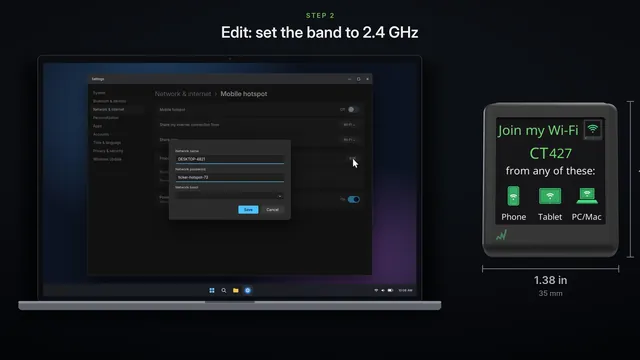 Use a Windows computer's hotspot
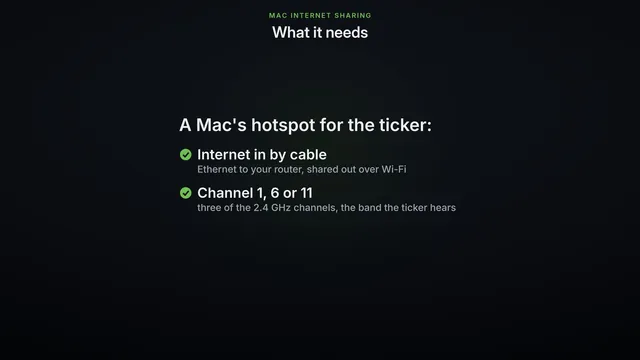 Use a Mac's Internet Sharing
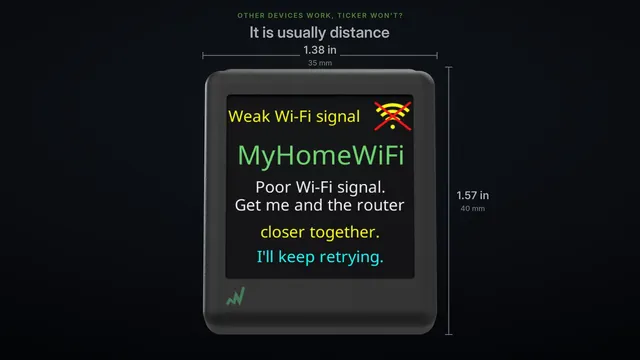 Ticker won't join Wi-Fi, others do? Three checks
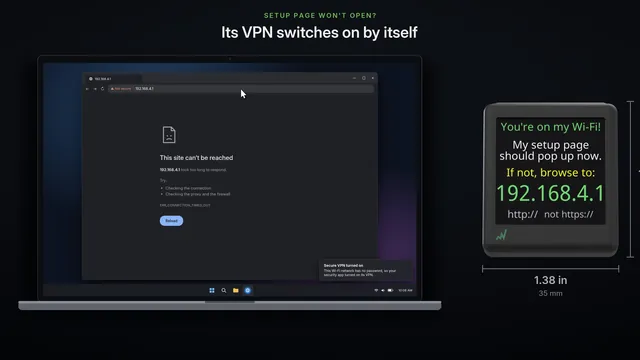 Setup page won't open on your computer
Read it insteadHide the text
Your ticker's page opens in Safari on your Mac, but not in Chrome?
This site can't be reached, even with h t t p in front.
Since macOS 15, Sequoia, a Mac asks before an app may reach the devices on your own network. If someone said no for Chrome, the Mac remembers, and blocks it. Safari never needs to ask.
Open System Settings. Click Privacy and Security, then Local Network. You may need to scroll down to find it.
Turn on the switch beside Google Chrome. If it's on already, turn it off and back on.
Then quit Chrome completely, with Command Q, and open it again.
Type your ticker's address, with h t t p in front, and press Return.
There's your ticker's settings page.
Safari never needs this switch. If you use Firefox or Edge, turn on its own switch, in the same list.
Watch on YouTube