Requirements and compatibility
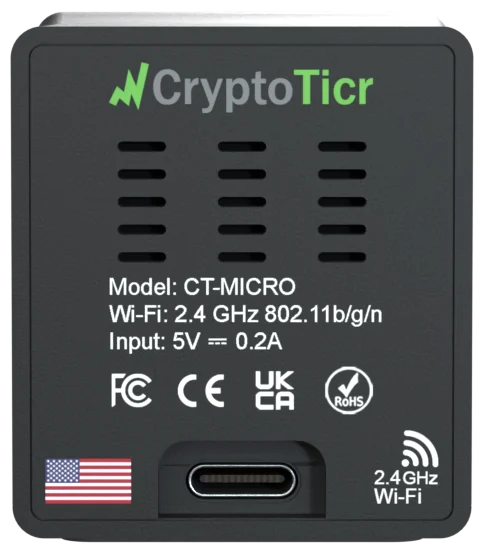
Wi-Fi
A home Wi-Fi network on 2.4 GHz, secured with WEP, WPA or WPA2, connected to the internet. The setup page says I need 2.4GHz and I can join WEP, WPA and WPA2 Wi-Fi, but not WPA3. A router that offers both bands under one name is fine. Networks with a sign-in page (hotels, cafés, many guest and office networks) do not work; a phone hotspot does. Details on Wi-Fi requirements.
A device for setup and settings
Any phone, tablet or computer with Wi-Fi and a browser: iPhone, iPad, Mac, Android phones and tablets, Windows and Linux. It joins the ticker’s setup network once, and later opens the settings page on your Wi-Fi. Nothing is installed on it, and it need not stay connected.
Power
Any USB port, or the included adapter; the ticker draws about one watt. See Power and the USB cable.
Placement
Within range of the router, away from metal, mirrors and microwaves, with as few thick walls between as possible. See Placement and care.