Ticker won't join apartment or building Wi-Fi?
Phone, laptop and TV on your building's Wi-Fi, but not the ticker? Why systems like Ruckus can hold small devices back, what to ask IT, and a Wi-Fi of its own.
Step by step in the manual: Apartment, condo and building-wide Wi-Fi
Chapters
More help with Part 1
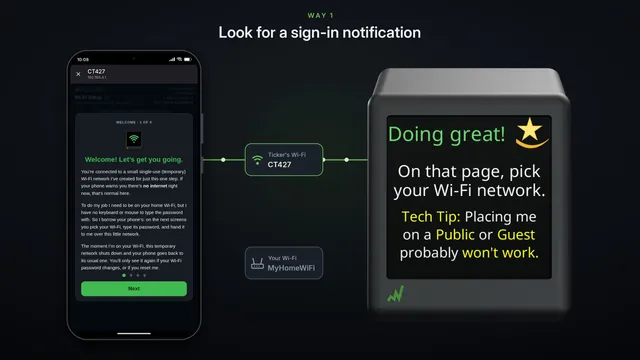 If the setup page doesn't pop up, Samsung and some other Android phones
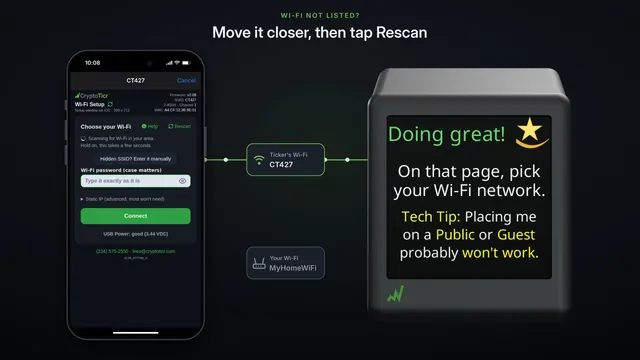 If your Wi-Fi isn't in the list
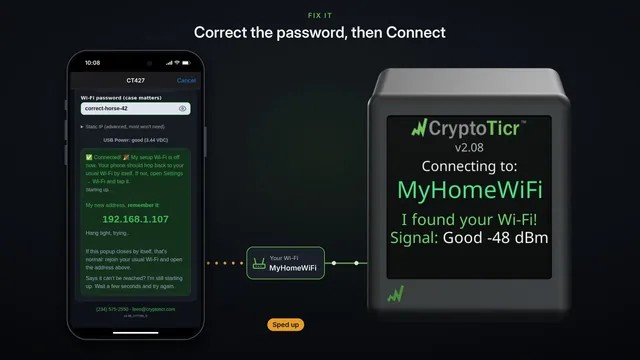 If your Wi-Fi password is refused, fix it and try again
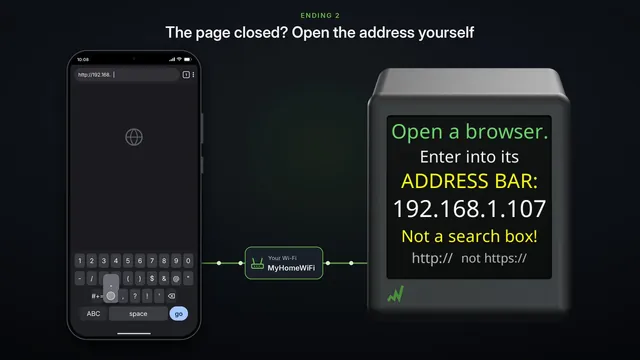 If the settings page doesn't open after setup, two endings, both fine
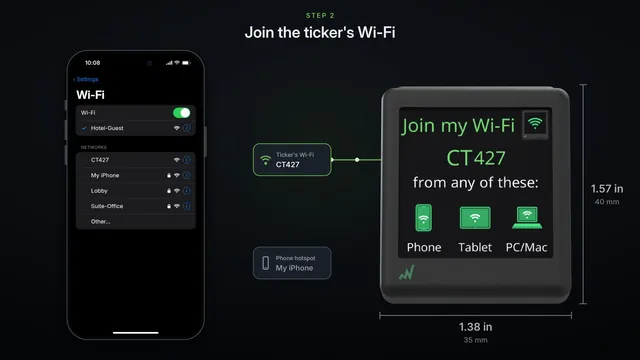 Set it up on a phone hotspot
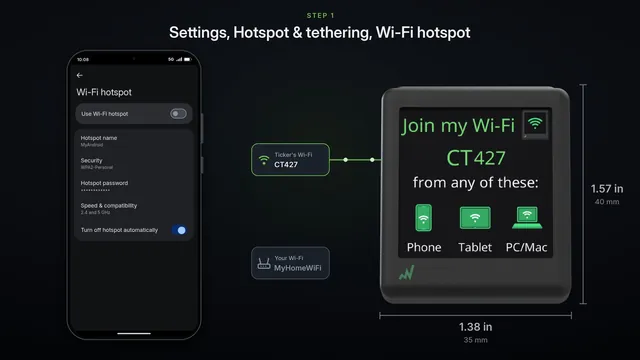 Use an Android phone's hotspot
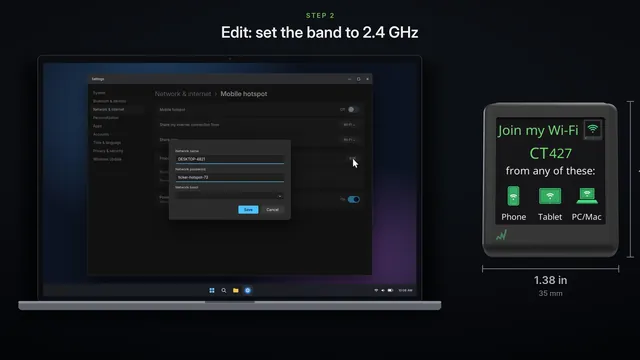 Use a Windows computer's hotspot
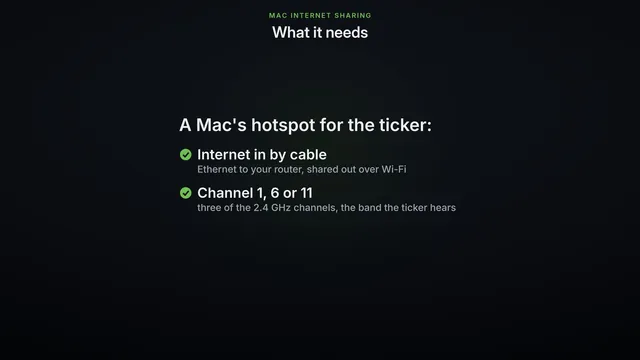 Use a Mac's Internet Sharing
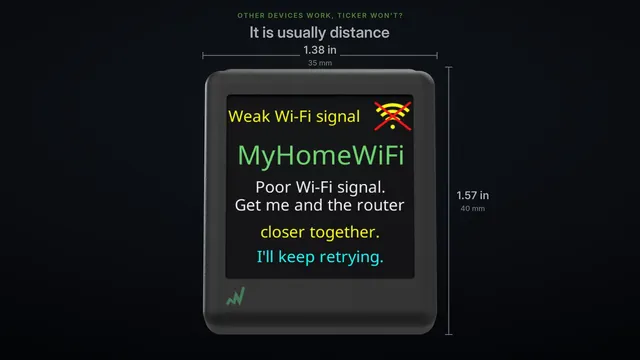 Ticker won't join Wi-Fi, others do? Three checks
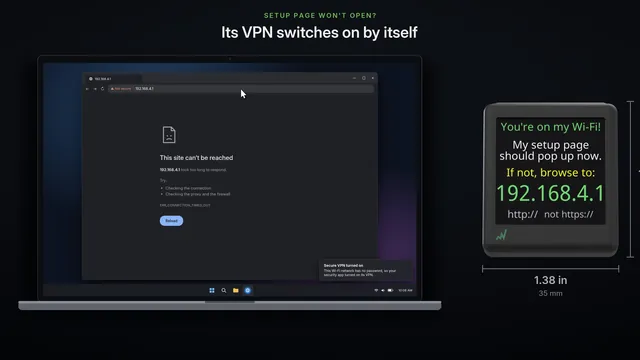 Setup page won't open on your computer
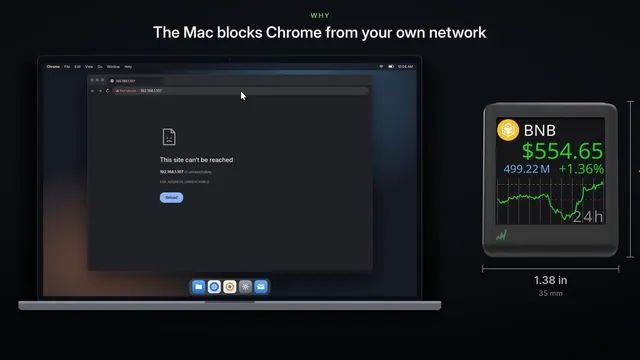 Chrome on a Mac can't open the ticker's page
 Wi-Fi trouble? Don't give up: call Lee
Read it insteadHide the text
Your phone, laptop and TV are on your building's Wi-Fi, but the ticker won't join?
Many buildings run one professional system: Ruckus, Aruba, Meraki, UniFi and others.
The ticker can join them, when they're set up for small devices. But a few settings hold it back.
One owner's ticker never joined their apartment's Ruckus Wi-Fi.
On a hotspot, it ran.
And at a relative's home, it worked with no trouble at all.
The ticker was fine. The building's settings were the cause.
When it's turned away, your password may be at its device limit, or the network may require security the ticker's chip doesn't have.
When it can't see the network, there may be no usable 2.4 gigahertz signal where it stands.
Sometimes the ticker joins and shows prices, but its settings page won't open on your phone.
The building may keep devices apart. Prices keep running. Only the settings page is out of reach.
Use the same Wi-Fi password as your phone. Devices on one password usually share a private network.
Or ask the building's IT staff if client isolation is on.
A Wi-Fi of your own fixes this too: the ticker and your phone both join it.
Only the building's IT staff can change these settings. Ask them:
Is my password limited to a number of devices?
Is 2.4 gigahertz on near my unit?
Does the network require WPA3, or protected management frames?
Do devices have to be registered by MAC?
These questions are on our help page, ready to send.
If they do, read the ticker's MAC on its settings page, while it's on any Wi-Fi. A phone hotspot will do.
It's the first line of the footer. The setup page shows a different one.
You can also give the ticker a Wi-Fi of its own: a computer that stays on beside it, as a hotspot, or a small router of your own, where the building allows it.
A phone hotspot is the quick test.
Still stuck? Call or text Lee. He built the ticker, and he's glad to help.