If your Wi-Fi isn't in the list
Your home Wi-Fi is missing from the setup page's list? Pick the 2.4 GHz name, move the ticker closer and tap Rescan, or type a hidden network's name yourself.
Step by step in the manual: My Wi-Fi network is not in the setup page's list
Chapters
More help with Part 1
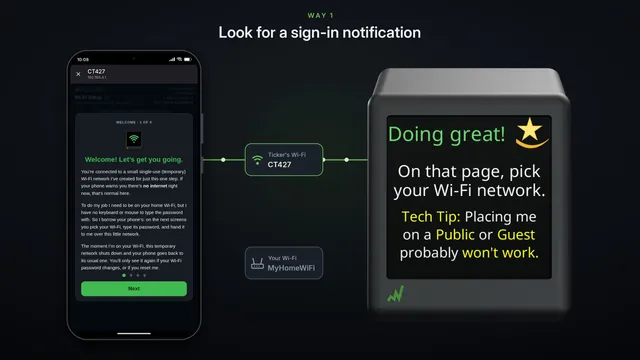 If the setup page doesn't pop up, Samsung and some other Android phones
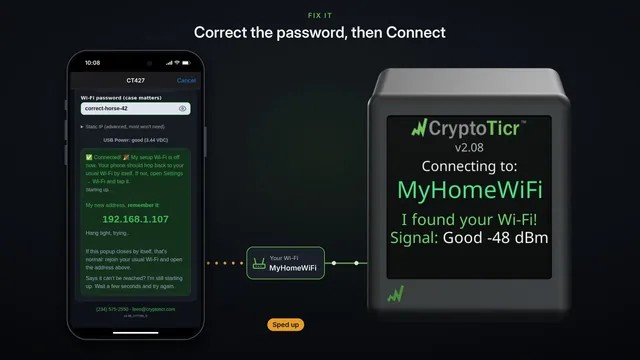 If your Wi-Fi password is refused, fix it and try again
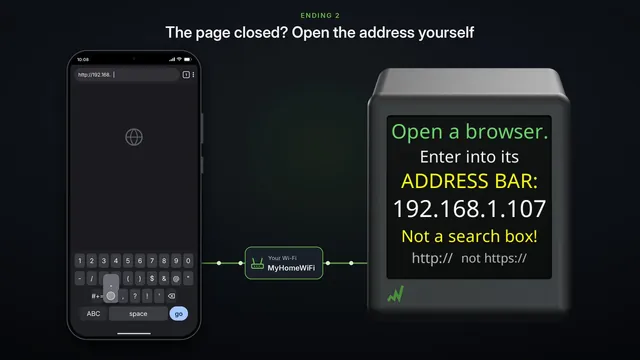 If the settings page doesn't open after setup, two endings, both fine
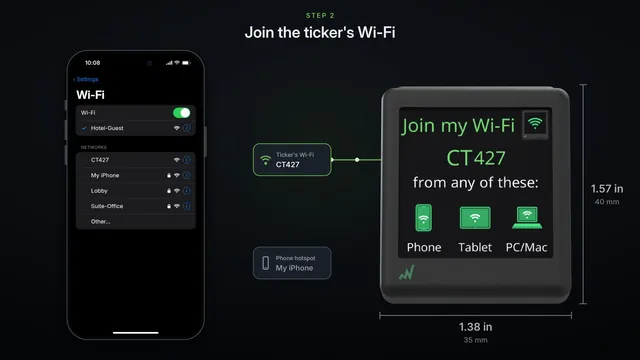 Set it up on a phone hotspot
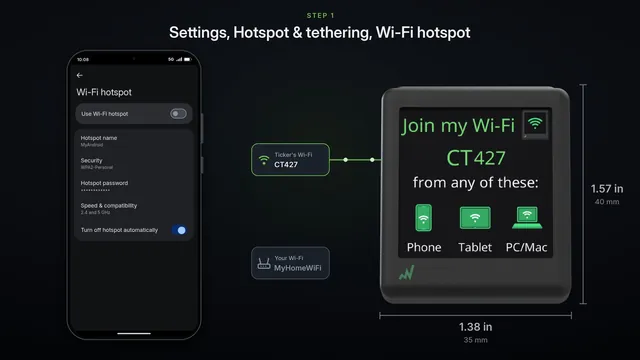 Use an Android phone's hotspot
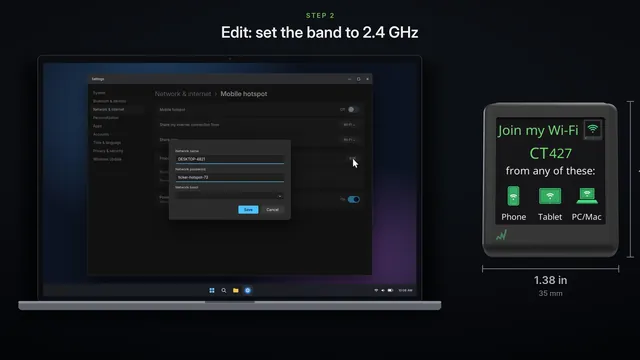 Use a Windows computer's hotspot
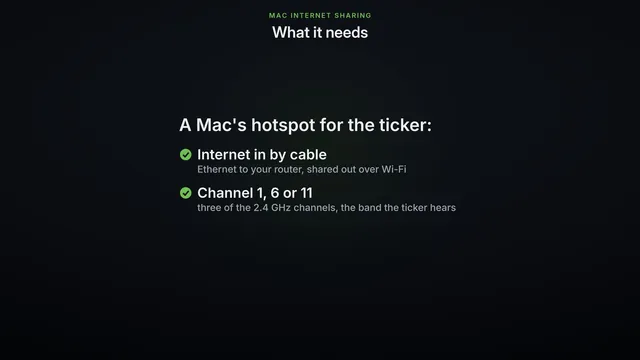 Use a Mac's Internet Sharing
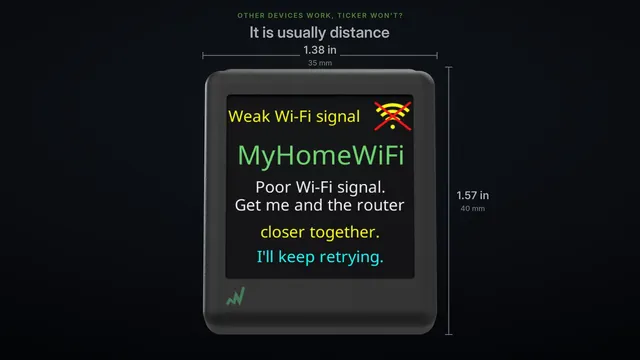 Ticker won't join Wi-Fi, others do? Three checks
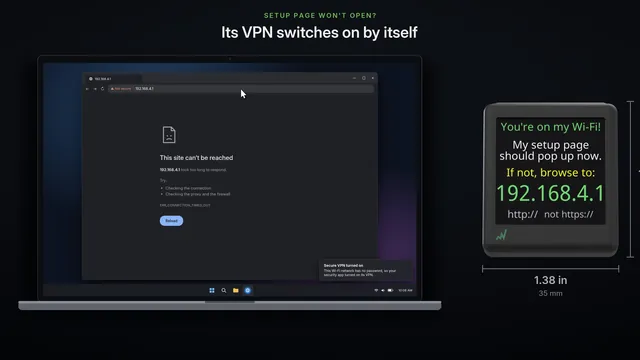 Setup page won't open on your computer
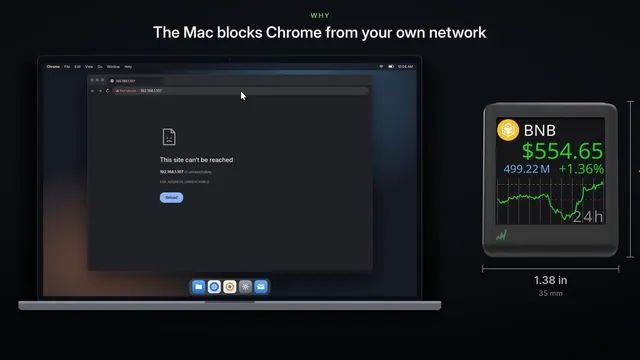 Chrome on a Mac can't open the ticker's page
Read it insteadHide the text
Your home Wi-Fi isn't in the setup page's list? Many routers give each band its own name, and your phone may use the 5 gigahertz one.
The ticker only hears 2.4 gigahertz Wi-Fi, so only the other name is in its list. The setup page's Help says so too.
Pick that name. It's the same router, and usually the same password.
Not there at all? The ticker may be too far from your router. Move it closer for setup, then tap Rescan.
There it is. You can move the ticker back once it's set up.
A hidden network never shows in the list. Tap, Hidden SSID, enter it manually, and type its exact name. Capital letters count.
Then its password, and Connect, the same as always.
Watch on YouTube