If your Wi-Fi isn't in the list
Your home Wi-Fi is missing from the setup page's list? Pick the 2.4 GHz name, move the ticker closer and tap Rescan, or type a hidden network's name yourself.
Step by step in the manual: My Wi-Fi network is not in the setup page's list
Chapters
More help with Part 1
Read it insteadHide the text
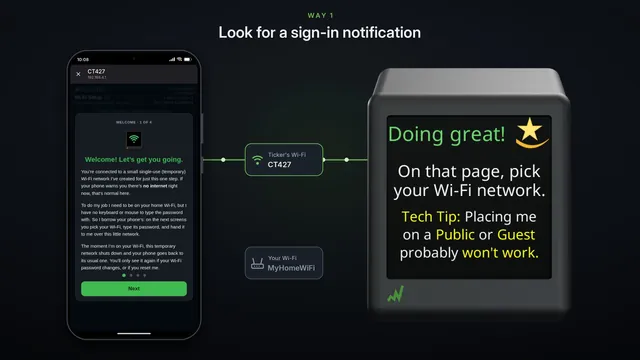
Your home Wi-Fi isn't in the setup page's list? Many routers give each band its own name, and your phone may use the 5 gigahertz one.
The ticker only hears 2.4 gigahertz Wi-Fi, so only the other name is in its list. The setup page's Help says so too.
Pick that name. It's the same router, and usually the same password.
Not there at all? The ticker may be too far from your router. Move it closer for setup, then tap Rescan.
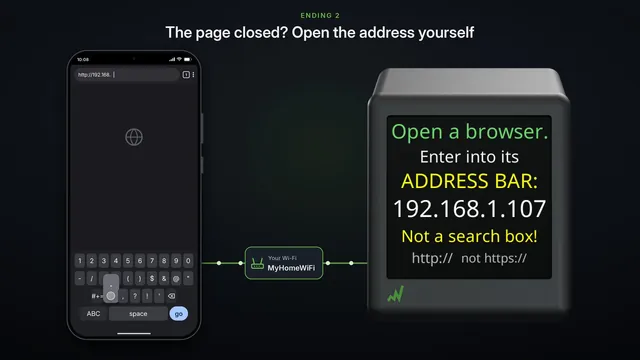
There it is. You can move the ticker back once it's set up.
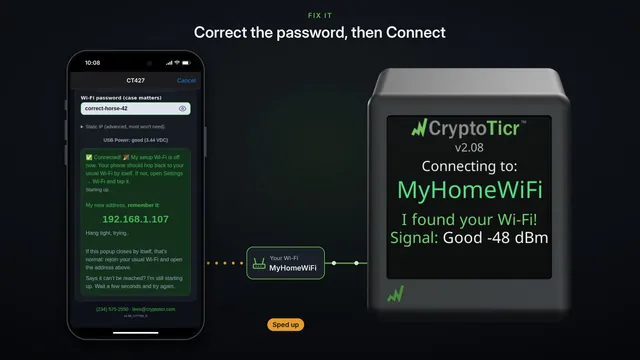
A hidden network never shows in the list. Tap, Hidden SSID, enter it manually, and type its exact name. Capital letters count.
Then its password, and Connect, the same as always.