What's in the box
Contents
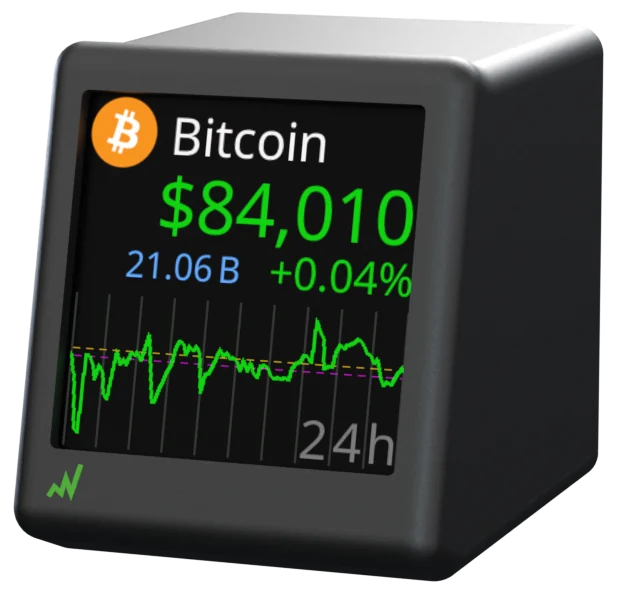
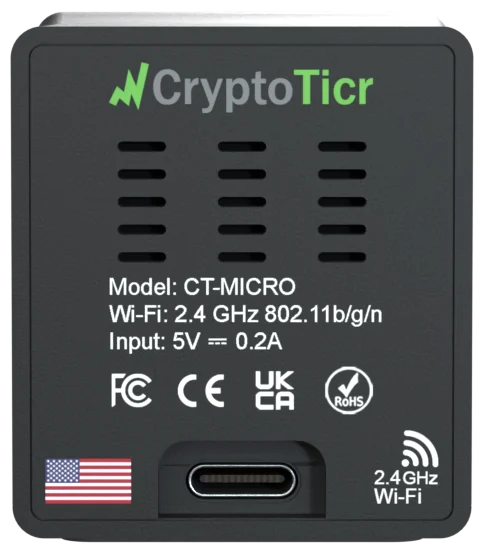
- The CryptoTicr.
- Two USB cables, each USB-A at one end and USB-C at the other: a plain one, and one with an on/off push button in the lead, so you can switch the ticker off without unplugging it.
- A 110 V AC power adapter with a USB-A socket.
- The Quick-Start card. The back of it explains the Wi-Fi setup in plain English. Both sides are on The Quick-Start card in the box if you lose it.
- The two-year limited warranty and regulatory card.
What you add
- A Wi-Fi network on the 2.4 GHz band, connected to the internet. Almost every home router has one. See Wi-Fi requirements.
- A phone, tablet or computer with Wi-Fi and a web browser, for the few minutes of setup. There is no app to install.
The adapter is there for convenience. Any USB port that stays powered, on a computer, a TV or a wall charger, runs the ticker as well; see Power and the USB cable.
Next
Unboxing and first power-up takes it from the box to its first setup screen.