Videos
Watch it, then do it
Every CryptoTicr video in one place, wherever it is posted: every step of setting it up, what to do when your phone or laptop goes a different way, what the ticker can do, and the short ones. Each plays right here; the line under it says where else you can watch it.
How-to course
One task per video, in order, from plugging it in to making it yours.
Part 1 of 7Set it up
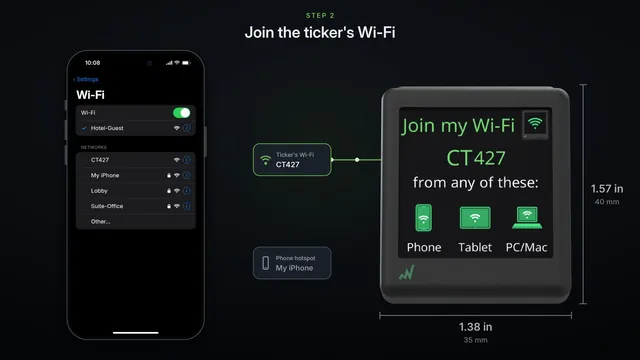
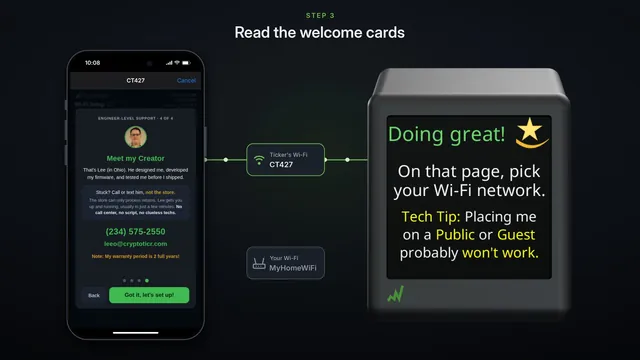 Set up your CryptoTicr with an iPhoneThe whole setup on an iPhone: join the ticker's own Wi-Fi, pick your home Wi-Fi on the page that pops up, then open your ticker's settings page.
Watch on YouTube
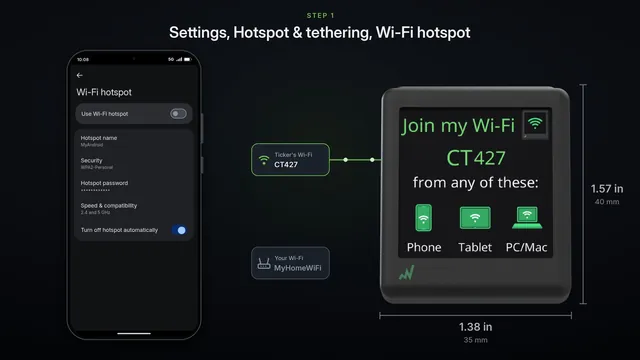
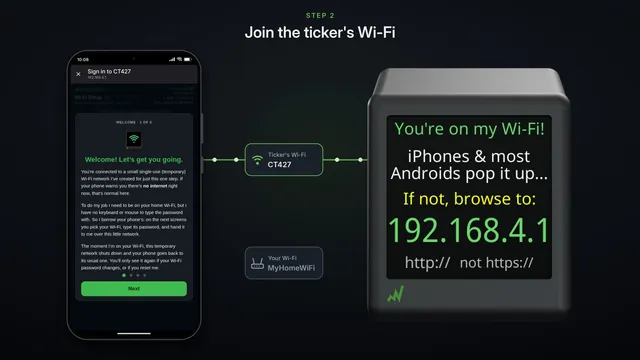 How to set up CryptoTicr with an Android phoneThe whole setup on an Android phone: join the ticker's Wi-Fi, tap the sign-in page, pick your home Wi-Fi, and open your ticker's settings page.
Watch on YouTube
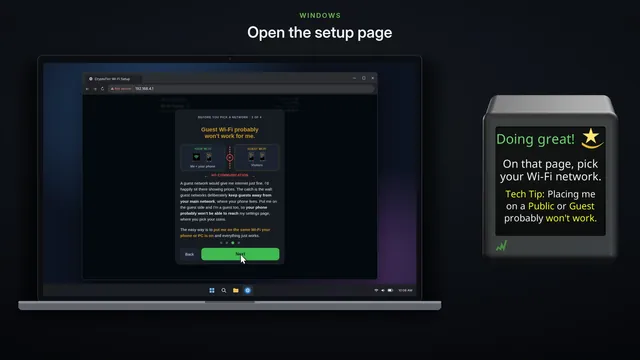
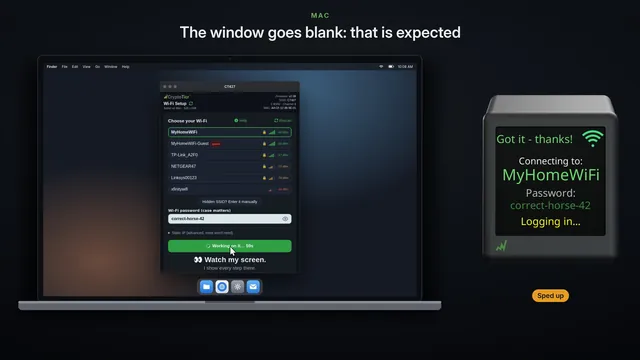
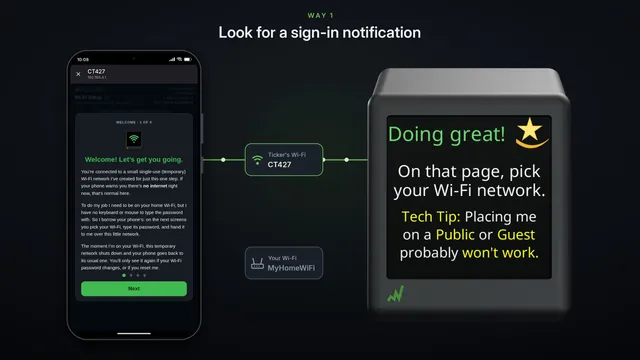
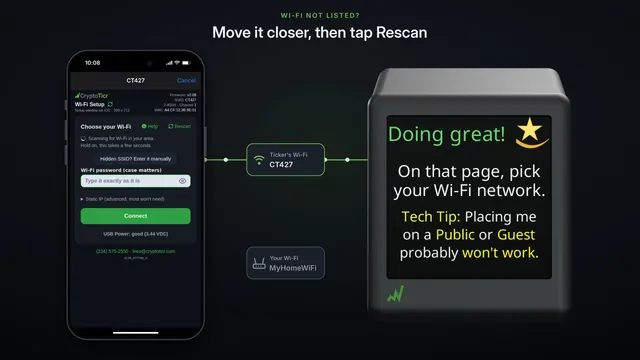
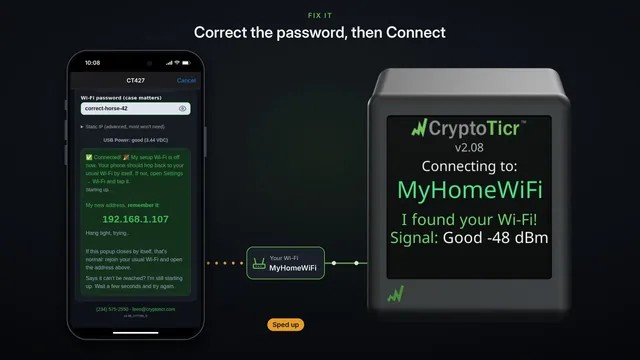
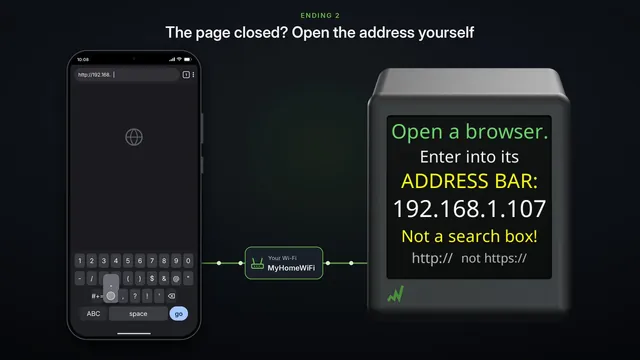
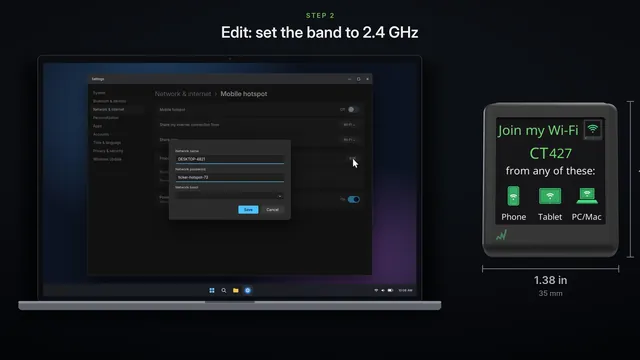
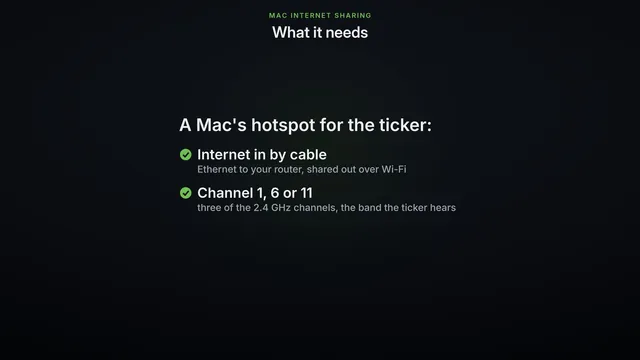
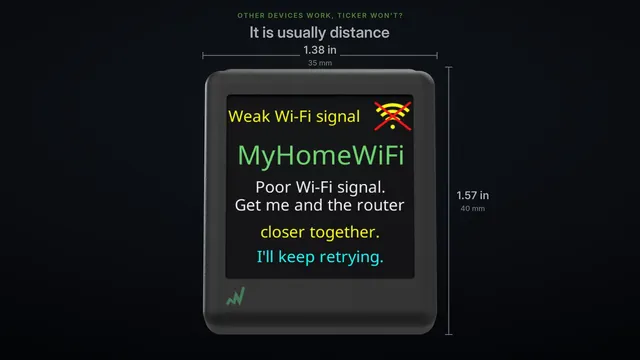
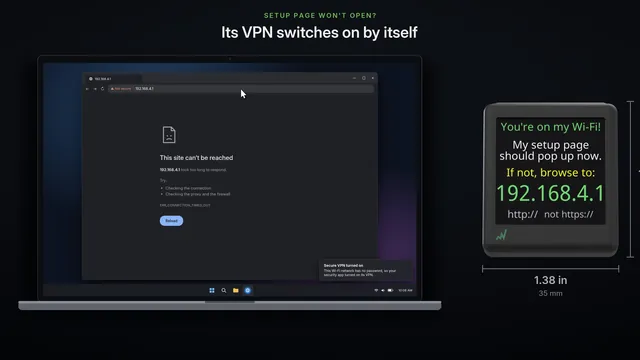
Setup troubleshootingIf something went differently on your phone or computer
Part 2 of 7
Part 3 of 7
Part 4 of 7
Part 5 of 7
Part 6 of 7
Looking after it
Not part of the course: come back to these whenever you need them. Finding your ticker again, a new Wi-Fi network or password, and starting over.
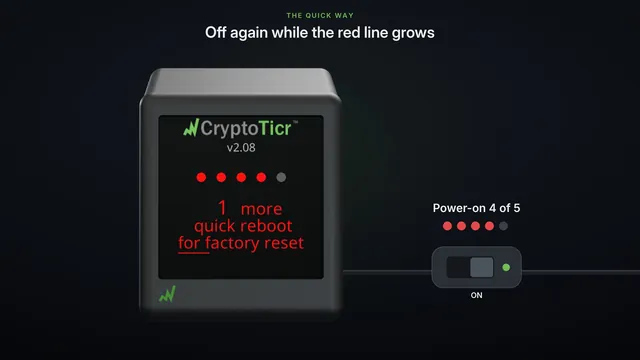
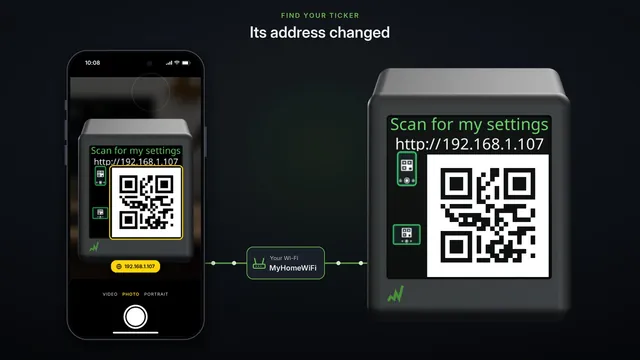 Find your ticker's settings page againThe settings page stopped opening? The ticker shows its address by itself, as words and as a code to scan. Where to look, and how to see it more often.
Watch on YouTube
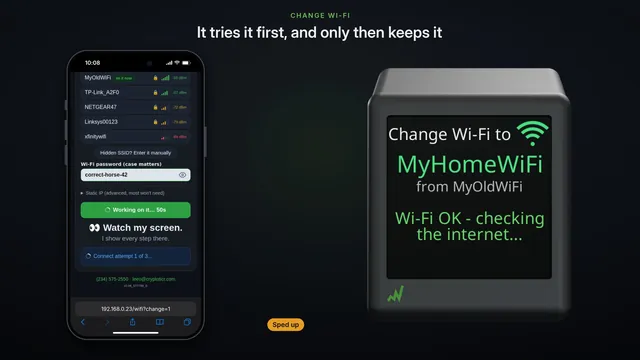 Move it to another Wi-Fi Change Wi-Fi on the settings pageSwitch the ticker to a different Wi-Fi from its settings page. It tries the new network first and only keeps it if it works.
Watch on YouTube
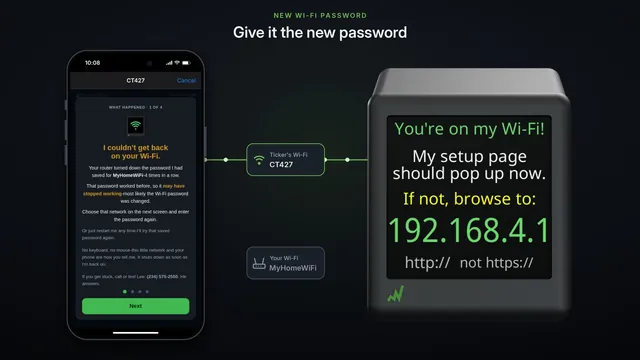 Changing your Wi-Fi password the ticker keeps all its settingsChanging your home Wi-Fi's password? Tell the ticker first, change it at the router, then give the ticker the new password. Every coin and setting is kept.
Watch on YouTube
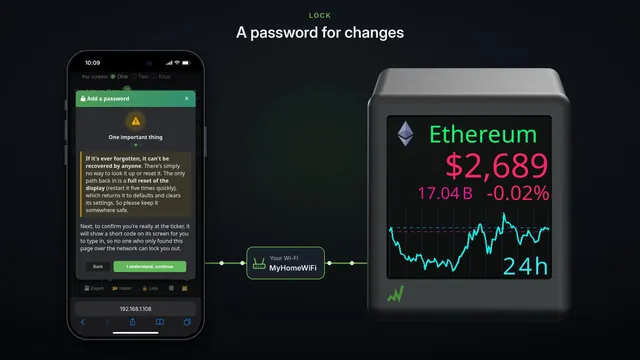 Back up, copy and lock your settings Export, Import and LockSave your ticker's settings to a file on your phone, copy them to a second ticker in one step, and lock the settings with a password.
Watch on YouTube
Features
Short films of what it can do, on its real screens.
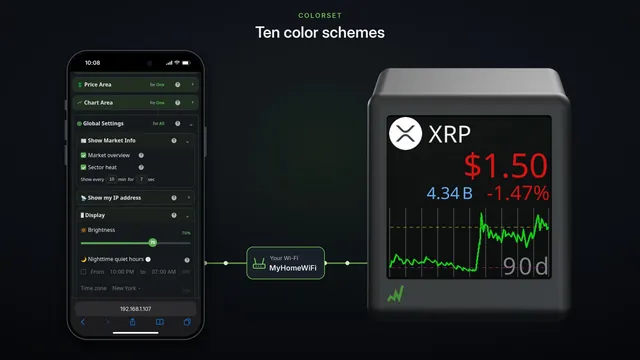
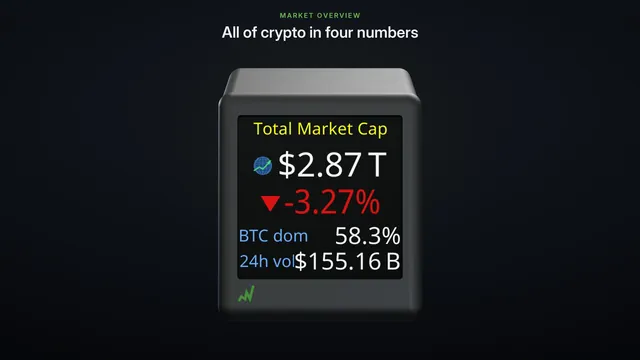
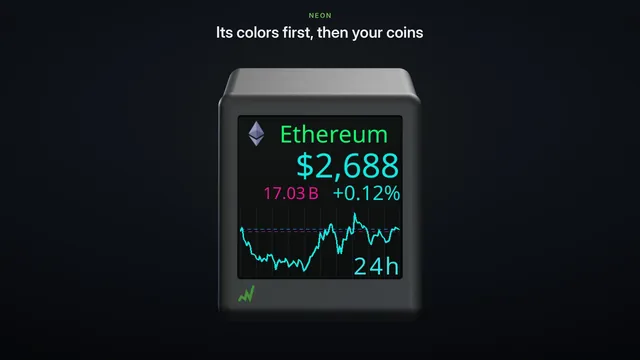
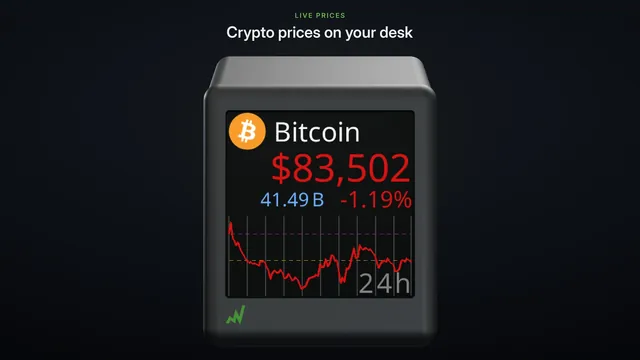 Meet CryptoTicr live crypto prices on your deskLive crypto prices on your desk: up to 12 coins, one, two or four to a screen, charts from 24 hours to 90 days, ten colorsets, all set from your phone.
Watch on YouTube
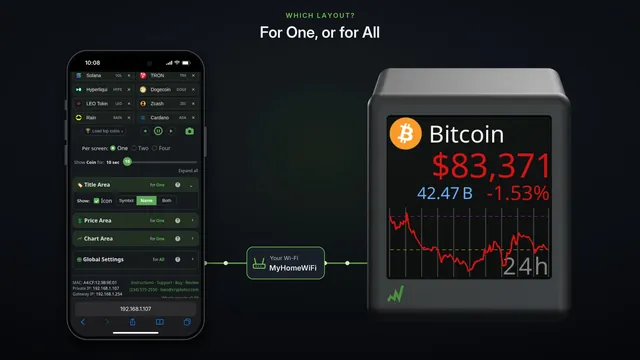
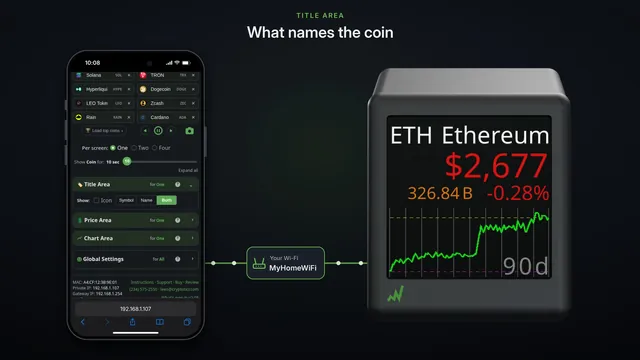
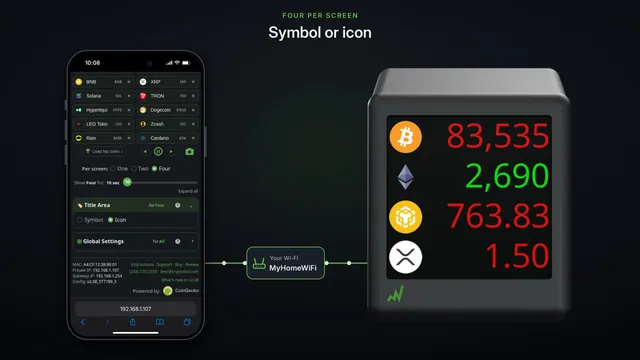
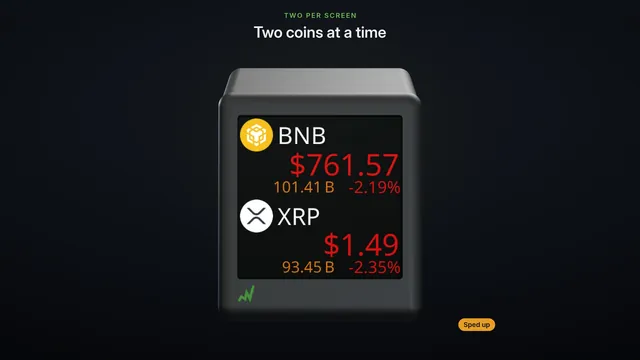 One, two or four coins per screen three ways to show your coinsOne coin with its chart, two with their figures, or four at a glance. See each layout go round, then switch with one tap on your phone.
Watch on YouTube
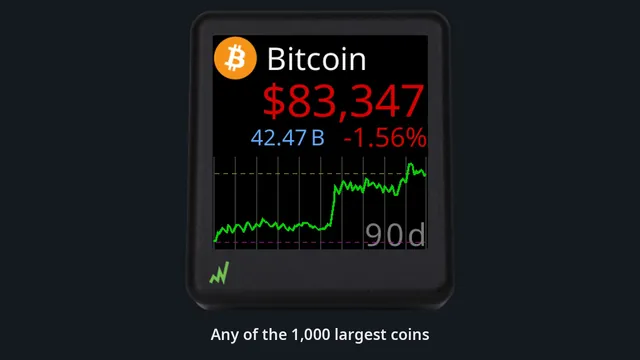
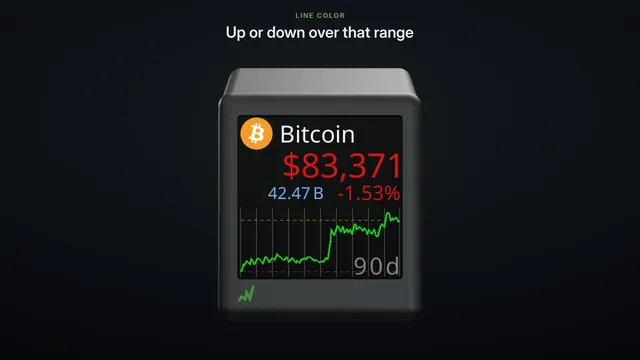 Charts from 24 hours to 90 days one coin, seven time rangesWith one coin per screen, each coin gets a price chart over any of seven ranges, from 24 hours to 90 days, or its 7, 30 and 90 day changes.
Watch on YouTube
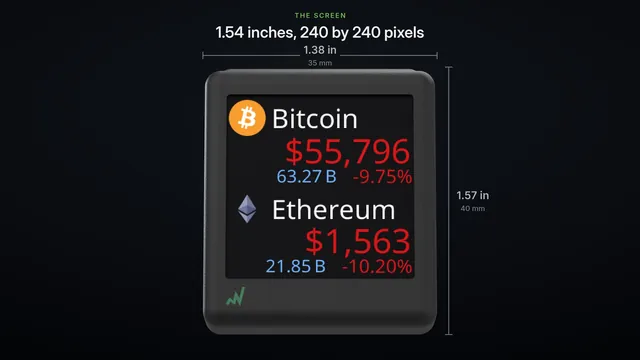
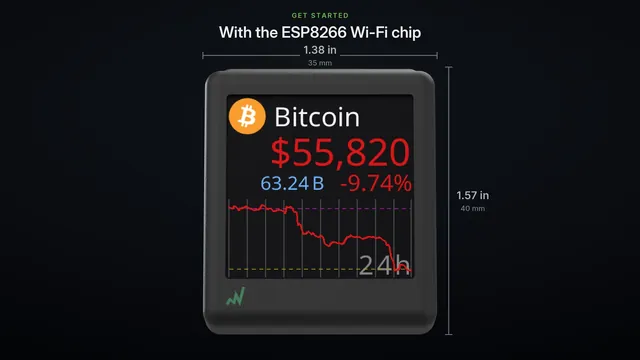
The tech inside
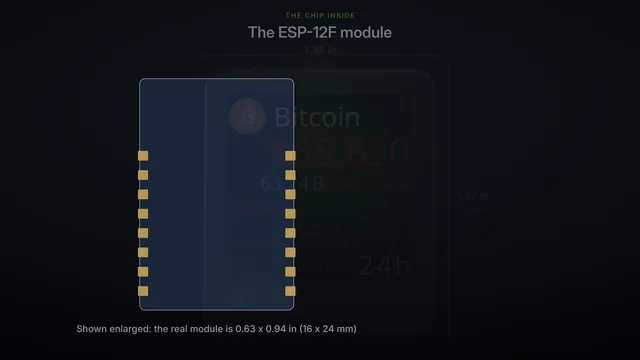
The chip and the screen that make it work, and how to start a project of your own on the same chip.
More videos
The ticker at work.
Shorts and Reels
Half a minute or less each, with music and no narration.
Watch on YouTube
Watch on YouTube
Watch on YouTube
Watch on YouTube
Watch on YouTube
Shop videos
The videos made for our shop listings, made to show the ticker at a glance. Where a shop shows one, the line under it links the listing.
Amazon
See it on Amazon
See it on Amazon
See it on Amazon
See it on Amazon
See it on Amazon
See it on Amazon
See it on Amazon
See it on Amazon
Etsy
See it on Etsy
See it on Etsy
eBay
See it on eBay
TikTok Shop
See it on TikTok Shop